
Why a Smart Locker Is Not Just a Metal Cabinet With a Digital Lock
For many UK organisations, the first mistake in a smart locker procurement is treating the project as a furniture purchase. A buyer counts the number of users, multiplies by a compartment ratio, asks three suppliers for a per-door price, and picks the cheapest quote. The result, all too often, is a bank of lockers that nobody wants to use, a software dashboard that nobody opens, and a support contract that nobody can reach.
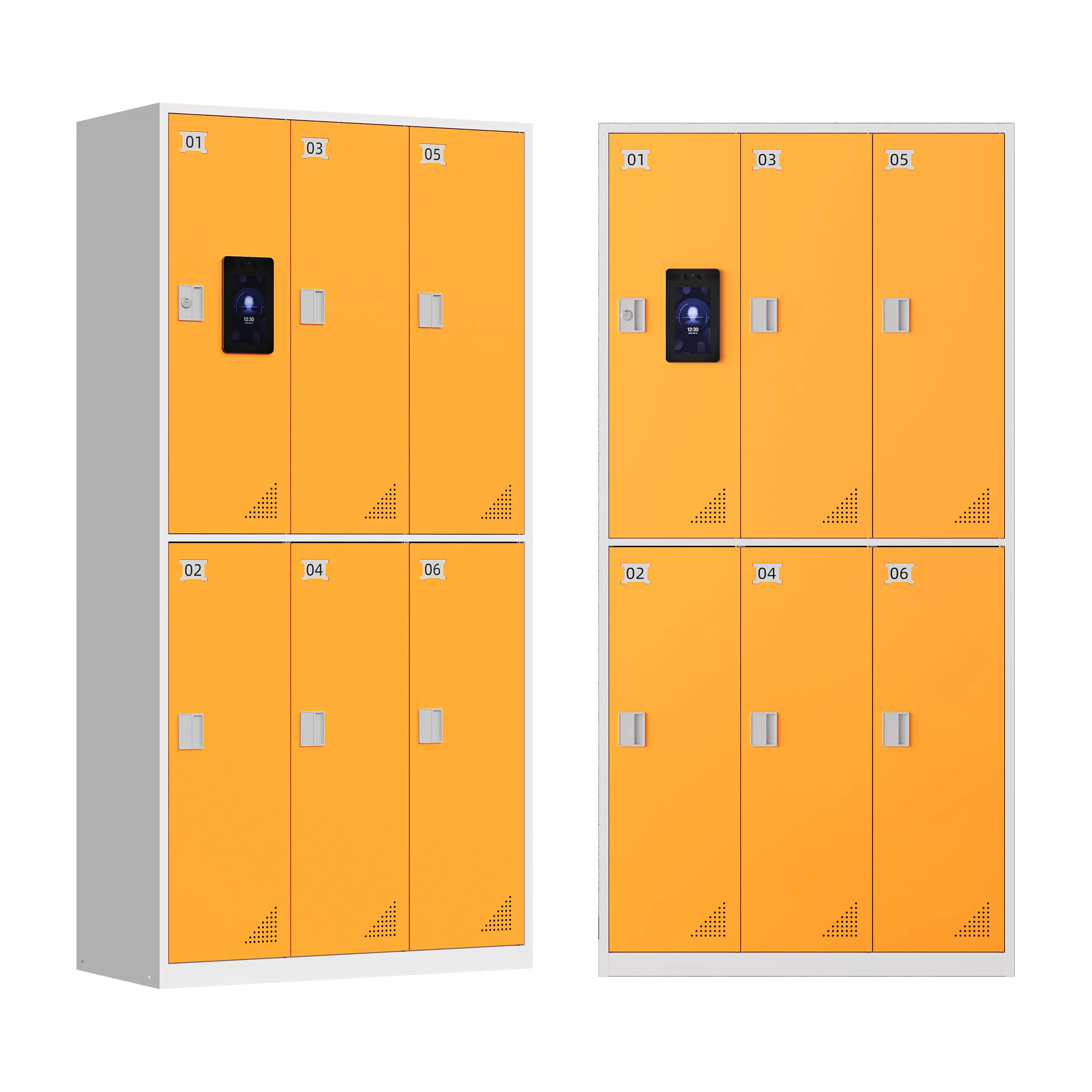
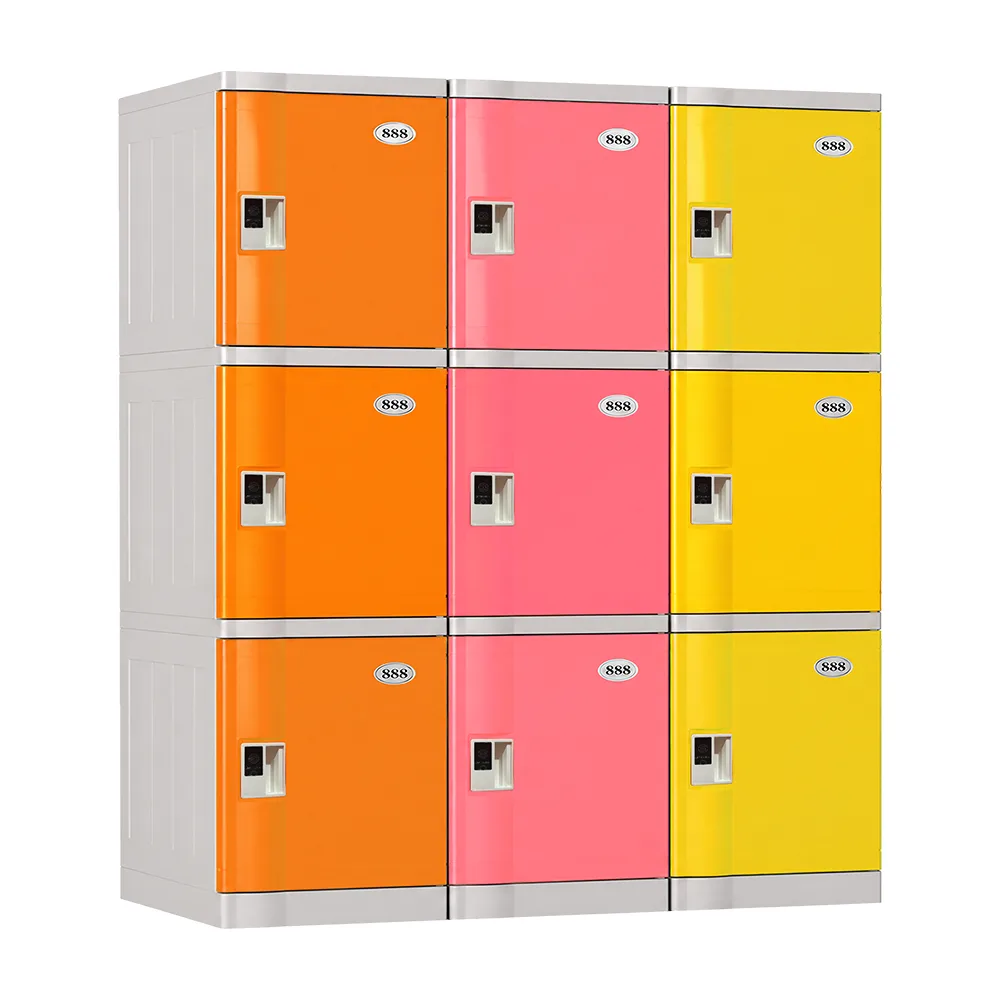
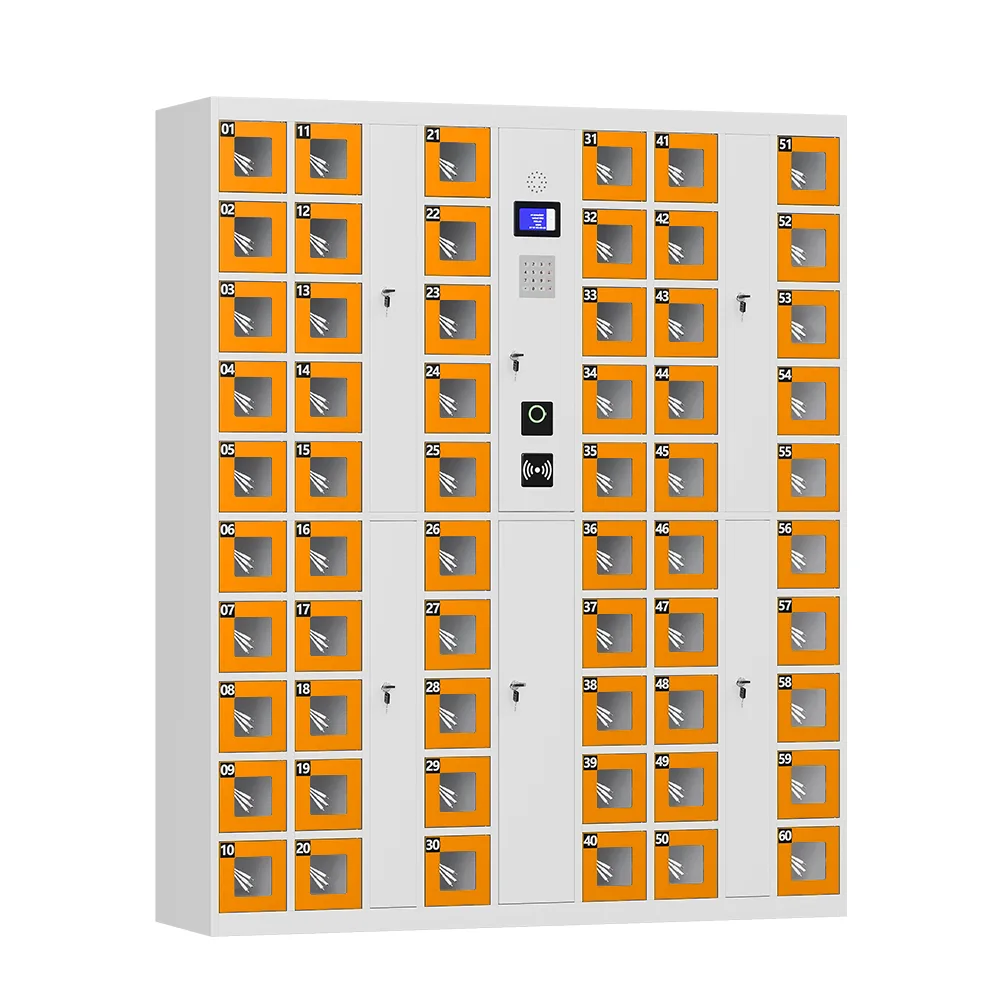
A smart locker system is an integrated service: mechanical hardware, electronic locks, identity credentials, management software, data integrations, installation, training, and ongoing support. Every one of those layers must work together for the system to deliver its intended outcome — whether that outcome is faster parcel collection in a residential block, secure tool issue in a manufacturing plant, contactless bag drop at a leisure venue, or automated asset tracking across a multi-site estate.
This guide is written for UK procurement managers, facilities heads, IT leaders, and operations directors who need to evaluate smart locker suppliers on evidence rather than marketing claims. It sets out an eight-step framework that moves from operational outcome to technical specification to commercial comparison, and it concludes with a downloadable-style checklist that can be turned directly into a supplier invitation-to-tender (ITT).
At UFUN, we manufacture and deploy smart locker systems across workplace, parcel, asset, food, luggage, and venue applications, and we have seen the same procurement pitfalls repeat across industries. The recommendations below are drawn from that field experience and are written to help buyers ask the right questions — of us and of every other supplier on the shortlist.
The Buying Principle: Start With the Outcome, Not the Door Count
Before opening a single supplier brochure, answer four questions. These four dimensions define every subsequent decision in the project, and skipping them is the single most common cause of a mis-sized or mis-specified installation.
Workflow — What Must Actually Happen?
Describe the complete operational journey from the moment a need is created (a parcel arrives, a tool is booked, a guest checks in) to the moment the locker is emptied and ready for the next user. Include every exception: expired reservations, uncollected items, failed credentials, doors left ajar, lost badges, and administrator overrides. A system that cannot handle exceptions gracefully will generate more admin work than it saves.
Users — Who Needs Access, and How Often?
List every user group: employees, contractors, visitors, couriers, residents, students, customers. For each group, note whether access is recurring or one-off, whether it must be scheduled in advance, and whether the user is on-site or remote. The access method that suits a permanent employee will not suit a one-time visitor, and the software must support both without forcing everyone through the same cumbersome process.
Estate — Where Will It Operate?
Document the physical environment: indoor or outdoor, ambient temperature range, humidity, dust or splash exposure, available power, network connectivity, floor loading, and clearance around the cabinet. A locker specified for an office lobby will fail prematurely if installed at a loading bay or a swimming-pool changing room.
Evidence — How Will Success Be Measured?
Define the metrics that prove the system is working: dwell time, utilisation rate, exception rate, average time-to-collect, number of admin interventions per week, user satisfaction score, or cost per transaction. Without agreed metrics, neither the buyer nor the supplier can tell whether the deployment has succeeded.
Once these four questions are answered, the hardware specification, the software requirements, and the commercial model follow naturally. A buyer who starts with “how many doors do we need?” has already started in the wrong place.
Step 1: Map the Complete Workflow — Including Every Exception
The workflow is the backbone of the entire specification. A well-mapped workflow typically contains five stages, and a smart locker system must support all five without manual intervention.
- Trigger — a booking, a delivery, a request, or an assignment creates the demand.
- Allocation — the system applies rules and assigns an appropriate compartment based on size, location, and user rights.
- Access — the authorised user authenticates at the locker terminal or via a mobile credential.
- Completion — the user stores, collects, issues, or returns the item, and the door closes.
- Reporting — the system returns status, timestamp, and audit data to the management platform and any integrated systems.
The test of a workflow is not the happy path; it is the exceptions. Ask each supplier to demonstrate how their system handles the following scenarios, and score the answer on whether the resolution is automatic, requires an admin override, or forces a manual workaround:
- A reservation expires and the user never arrives — does the compartment auto-release, and is the item flagged for retrieval?
- A user enters the wrong PIN three times — is the account locked, and how is it reset?
- A door is left open after use — does the system alert an administrator, and after how long?
- A courier arrives for a drop-off but has no pre-registration — can they register on-site, and who approves them?
- A power or network outage occurs — do the locks fail open or fail closed, and how is audit data preserved?
- An item is left uncollected beyond the agreed period — who is notified, and what is the escalation path?
A supplier that cannot walk through these scenarios in a live software demo has not built a system that has been tested in real operating conditions. A polished marketing video is not a substitute for a working exception-handling engine.
Step 2: Calculate Capacity From Peak Demand, Not Headcount
The number of users is not the number of lockers required. A 500-person office does not need 500 lockers; it needs enough compartments to absorb the simultaneous peak demand, plus a reserve for growth and out-of-service units. Over-sizing wastes capital and floor space; under-sizing creates queues and user frustration.
Build a capacity model using the following inputs:
User Volume and Concurrency
How many users will need a compartment at the same time? For a workplace locker project, this is typically 30–50% of on-site headcount at peak, depending on whether storage is assigned or shared. For a parcel locker project, it is the maximum number of deliveries expected to be in the locker at any one time, which depends on delivery frequency and average dwell time.
Storage Duration
How long does an item stay in a compartment? A parcel might sit for 24–48 hours; a tool might be issued for a full shift; a gym bag for 90 minutes. Longer dwell times mean lower turnover and therefore more compartments needed for the same user volume.
Compartment Size Mix
Not every item is the same size. A mixed bank of small, medium, and large compartments uses space far more efficiently than a bank of identical large doors. Specify the size mix based on the actual items being stored — letters and small parcels need small compartments; laptops and toolboxes need medium; suitcases and sports equipment need large.
Allocation Model
There are three allocation models, and the choice affects capacity:
- Fixed allocation — each user has a dedicated compartment. Simple but inefficient, because compartments sit empty when the user is absent.
- Flexible allocation — users are assigned a compartment on arrival from a shared pool. More efficient, but requires the software to manage real-time availability.
- Dynamic allocation — the system assigns the smallest suitable compartment based on the item, optimising space automatically. Most efficient, but requires intelligent software and clear user communication.
Reserve Capacity
Always include a reserve of 10–15% for growth, out-of-service compartments under maintenance, and unexpected demand spikes. A locker bank running at 100% occupancy at peak is a locker bank that will fail the first time a compartment goes offline.
For UK public-sector and large corporate buyers, a capacity model should be documented in the ITT response and validated by the supplier against comparable live deployments. A supplier that quotes a door count without asking about dwell time, peak concurrency, and allocation model is guessing.
Step 3: Match the Access Method to Each User Group
There is no single best access method. The right credential depends on the user group, the environment, and the workflow. A system that forces every user through the same authentication method will frustrate at least one group and reduce adoption. The table below summarises the main options and where each works best.
| Credential | Best Suited To | Key Buyer Question | Considerations |
| RFID card / badge | Employees, students, regular users | Can the existing building access card be reused? | Lowest friction for recurring users; depends on card format (MIFARE, DESFire, HID iCLASS) and whether the locker reader supports it. Reusing an existing badge avoids issuing a second credential. |
| QR / barcode | Visitors, couriers, one-time collections | How is the credential issued and expired? | Ideal for temporary access because the code can be sent by SMS or email and auto-expires after use. No app download required. Works well for parcel and food lockers. |
| PIN code | Guests, short-term users, simple journeys | Is it one-time, personal, or reusable? | Lowest technology barrier, but codes can be shared. Best for low-security, short-duration use. Should support one-time PINs for visitor scenarios. |
| Mobile app | Repeat users, reservable storage | Is an app appropriate for every user group? | Convenient for tech-comfortable users and supports reservation, history, and remote release. But excludes users who will not download an app; should always be optional, not mandatory. |
| Biometric (fingerprint / face) | High-security environments, staff-only areas | How is biometric data stored and protected? | Strongest accountability because a credential cannot be shared. But raises GDPR and data-protection questions in the UK; data must be stored locally or encrypted, and users must consent. |
| SSO / digital identity | Enterprise and multi-site estates | How are joiners, movers, and leavers handled? | Integrates with Microsoft Entra ID, Okta, or similar, so access rights follow the user lifecycle. Critical for large organisations where manual user provisioning is a security risk. |
| Contactless wallet / payment | Venues, hospitality, paid storage | Can access and transaction status remain connected? | Combines access with payment in one tap, ideal for paid public storage. Requires PCI-compliant payment processing and reliable connectivity. |
A well-specified system supports multiple credentials simultaneously, so that an employee can tap a badge while a visitor scans a QR code at the same locker bank. Ask the supplier whether each compartment can be configured with different access rules, or whether the credential choice is global across the whole bank.
Step 4: Evaluate the Management Software — Not Just the Doors
The cabinet is the visible part of the system, but the software is what determines whether the system is usable day to day. A well-built cabinet with poor software will generate admin tickets; a modest cabinet with excellent software will run quietly for years. Evaluate the software across four domains.
Administration
Can an administrator create users, assign roles, set permissions, allocate compartments, perform remote door releases, and manage multiple sites from one dashboard? For multi-site estates, the ability to apply a configuration change across every locker bank at once — rather than reconfiguring each cabinet individually — is a major efficiency gain.
Operations
Does the dashboard show live compartment status (occupied, available, out of service, door ajar), real-time alerts for exceptions, and maintenance visibility? A facilities manager should be able to see, at a glance, whether any locker bank has a problem, without walking to the physical location.
Reporting
Can the system export occupancy rates, utilisation trends, transaction logs, and full audit history? For UK organisations subject to FOI, GDPR, or internal audit requirements, a downloadable, time-stamped audit trail is not optional — it is a compliance necessity. Reports should be exportable in CSV or Excel for integration with existing reporting tools.
Configuration
Can the administrator configure workflows, access rules, notification templates, language, branding, and payment options without calling the supplier? A system that requires the vendor to make every configuration change creates a dependency and slows down operational adjustments. Look for no-code or low-code administration.
The decisive test is a live demo using your scenario, not the supplier’s pre-prepared demo script. Ask the supplier to create a user, assign a compartment, simulate a failed credential, generate an exception alert, and pull an audit report — all in real time. A supplier that cannot do this on demand has software that is either too complex for everyday admins or not yet feature-complete.
Step 5: Map Integrations and Data Ownership Before You Sign
A smart locker rarely operates in isolation. It must exchange data with identity providers, access-control systems, property-management platforms, courier dispatch software, payment gateways, or facilities-management tools. Before committing to a supplier, map every integration point and agree who owns what.
For each integration, answer the following:
- Which system initiates the workflow — the locker platform or the external system?
- Which system is the source of truth for user identity?
- Which system controls access — does the locker validate locally, or does it call the external system in real time?
- Where must status data be returned, and in what format (API push, webhook, scheduled pull)?
- Is the API documented, versioned, and supported by a sandbox environment?
- What authentication method is used (OAuth 2.0, API key, mTLS)?
- Who is responsible for building and maintaining the integration — the locker supplier, the external system vendor, or a third-party integrator?
- How are errors handled — retries, dead-letter queues, alerting?
- What happens if the external system is upgraded or deprecated?
For UK enterprise buyers, the most common integrations are Microsoft Entra ID (formerly Azure AD) for identity, building access-control systems (HID, Paxton, Gallagher) for credential reuse, and property-management or facilities platforms (ServiceNow, Maximo, Planon) for work-order and asset management. A supplier that cannot demonstrate integration with at least one of these ecosystems should be asked for a clear API roadmap and a commitment to support custom integration work.
Data ownership is a separate but equally important question. Under UK GDPR, the organisation that determines the purpose and means of processing is the data controller. The locker supplier is typically a data processor. The contract must specify: what data is collected, where it is stored (UK, EU, or elsewhere — note that UK GDPR has adequacy arrangements with the EU but not automatically with all third countries), how long it is retained, how it is deleted on request, and what happens to the data if the contract terminates.
Step 6: Evaluate Physical, Digital, and Operational Security Together
Security in a smart locker system has three layers, and a weakness in any one layer undermines the whole system. Evaluate all three together.
Physical Security
Assess cabinet construction (steel gauge, weld quality, anti-pry design), hinge strength, electronic lock type (electromagnetic vs. motorised, fail-safe vs. fail-secure), emergency override access (mechanical key, master code, break-glass), placement (well-lit, CCTV-covered, not in isolated corridors), and environmental protection (IP rating for outdoor or wet areas). For high-security applications, ask for certification evidence — for example, LPS 1175 or Secured by Design for UK government and police-approved specifications.
Digital Security
Review encryption (in transit and at rest), platform security (regular penetration testing, vulnerability disclosure programme), identity controls (multi-factor authentication for administrators, role-based access), data retention policies, and software update mechanisms (over-the-air updates, patch cadence, ability to roll back). For UK public-sector buyers, the supplier should be able to provide a Cyber Essentials or Cyber Essentials Plus certificate, and for central government, a Cyber Assessment Framework (CAF) self-assessment.
Operational Security
Consider how the system handles day-to-day security incidents: lost or stolen credentials, abandoned contents, administrator overrides (and whether they are logged), incident ownership (who is called at 2 am if a door fails open), and business continuity (what happens if the network or power fails, and how long can the system operate offline). A system that is physically and digitally secure but has no operational incident plan will still create risk.
For UK buyers handling personal data in the locker system (user names, access logs, biometric templates), the supplier must be able to demonstrate GDPR compliance, including a Data Processing Agreement (DPA) that meets UK GDPR requirements, evidence of appropriate technical and organisational measures, and clarity on sub-processors and international data transfers.
Step 7: Compare Whole-Life Cost and Measurable Return
The cheapest per-door quote is rarely the cheapest system over five or ten years. Smart locker pricing has upfront and ongoing components, and the total cost of ownership (TCO) depends on all of them. Compare suppliers on the full picture, not just the capital cost.
Upfront Costs
- Design and consultancy — site survey, workflow design, specification.
- Cabinetry — steel construction, doors, locks, compartments, finish.
- Electronics — controllers, terminals, readers, network modules.
- Software licensing — per-locker, per-site, or enterprise-wide.
- Integration and configuration — API development, user provisioning, branding.
- Delivery and installation — logistics, positioning, power and data connection, commissioning.
- Training — administrator and end-user training, documentation.
Ongoing Costs
- Software subscription and connectivity — annual licence, cloud hosting, SIM/data.
- Support and maintenance — helpdesk, spare parts, on-site response, software updates.
- Payment processing fees — if the locker supports paid storage, transaction fees apply.
- Moves, changes, and expansion — adding compartments, relocating cabinets, reconfiguring workflows.
- Consumables — replacement batteries, filters, cleaning materials (for food or wet-environment lockers).
Measurable Return
A smart locker investment should be justified by measurable value, not just convenience. Common ROI drivers include:
- Reduced administration — fewer staff hours spent on key issue, parcel logging, or access management.
- Improved space utilisation — flexible or dynamic allocation reduces the floor area needed for storage.
- Faster self-service handovers — less waiting time for users, higher throughput.
- Reduced loss and theft — audit trails and controlled access lower shrinkage and dispute rates.
- Revenue generation — paid storage, locker advertising screens, or value-added services that generate income.
- Compliance and risk reduction — audit trails, access controls, and data protection reduce regulatory and legal exposure.
Request a five-year and ten-year TCO model from each supplier, with all assumptions stated. A supplier that will not provide a TCO model is either hiding ongoing costs or has not thought through the long-term economics of their own product.
Step 8: Compare Suppliers on Evidence, Not Claims
Every smart locker supplier will claim their system is secure, reliable, and easy to use. The difference between suppliers shows up when you ask for evidence. Use the following framework to structure supplier comparisons.
| Area | Evidence to Request |
| Relevant experience | Comparable live deployments in the same sector and scale; named reference sites that can be contacted; quantified outcomes (utilisation, exception rate, user satisfaction). |
| System fit | A live demonstration of your specific workflow, including all exception scenarios, using the supplier’s actual software — not a slide deck. |
| Integration | Technical architecture document, API specification, evidence of existing integrations with the systems you use, and a clear statement of who builds and supports custom integrations. |
| An ninh | Documented security controls, penetration-test summaries (redacted), certification evidence (Cyber Essentials, ISO 27001 where applicable), GDPR Data Processing Agreement. |
| Giao hàng | Site survey methodology, manufacturing lead time, installation and commissioning plan, training programme, and go-live support schedule. |
| Support | Service scope, response-time commitments (remote and on-site), escalation procedure, spare-parts availability and lead times, software update cadence. |
| Commercials | Transparent whole-life pricing with all assumptions, payment milestones tied to deliverables, termination and exit clauses, and data-return obligations on contract end. |
A reference site visit is worth ten PowerPoint slides. If a supplier will not provide a comparable live reference that you can visit or speak to directly, treat that as a signal. For UK buyers, a reference site in the UK or EU is preferable because it will operate under similar regulatory, climatic, and operational conditions.
Implementation and Go-Live: What Happens After the Purchase Order
A well-specified system can still fail at implementation. Before signing, agree the following with the supplier and build it into the contract.
Site Survey and Readiness
The supplier should conduct a detailed site survey covering dimensions, floor loading, power supply (dedicated circuit, voltage, earthing), network connectivity (wired Ethernet preferred, Wi-Fi as fallback), environmental conditions, and access for delivery and installation. Any site-preparation work required by the buyer (power outlets, data points, floor reinforcement) should be identified and costed before go-live, not discovered on installation day.
Pilot Before Full Rollout
For multi-site or large deployments, run a pilot at one location for 4–8 weeks before rolling out across the estate. Use the pilot to validate the workflow, test the software, train administrators, collect user feedback, and measure the actual utilisation and exception rates. Adjust the specification based on pilot data before committing to the full order. A pilot may cost slightly more in the short term but prevents costly rework at scale.
Training and Change Management
Even the best system will fail if users do not know how to use it. Require the supplier to provide: administrator training (hands-on, with certification), end-user materials (quick-start guides, on-screen instructions, multilingual where required), and a change-management plan for the launch period. For high-footfall public locations, plan for on-site staff during the first week to assist first-time users.
Acceptance Testing
Define acceptance criteria in the contract: all compartments functional, all access methods working, all integrations live, all alerts firing, all reports exportable, and a defined period of stable operation (e.g. 14 consecutive days with no critical faults) before final payment is due. Do not accept a system on “substantial completion” — accept it on demonstrated, tested performance.
Smart Locker Buyer’s Checklist
Use this checklist to structure your ITT and supplier evaluation. Every item should be addressed in writing before a purchase order is issued.
- Workflow and all exception scenarios documented and agreed
- User groups identified and peak concurrent demand quantified
- Compartment size mix and allocation model (fixed / flexible / dynamic) agreed
- Access methods selected by user group, with existing-credential reuse confirmed
- Management software demonstrated live using your scenario, including exceptions
- Integration ownership, APIs, authentication, and error handling confirmed
- Data ownership, GDPR compliance, DPA, and data-retention terms agreed
- Physical, digital, and operational security controls reviewed with evidence
- Site, power, and network connectivity surveyed and readiness confirmed
- Whole-life cost (5-year and 10-year TCO) compared across suppliers
- Implementation plan, pilot scope, training, and acceptance criteria defined
- Support scope, response times, escalation, and spare-parts provision agreed
- Reference sites visited or contacted, with comparable sector and scale
- Contract includes exit terms, data return, and transition assistance
Các câu hỏi thường gặp
How do smart locker systems work?
A smart locker system combines electronically controlled compartments with a management platform. When a user needs access, they authenticate at a terminal or via a mobile credential; the system verifies their rights, unlocks the assigned compartment, and logs the transaction. The management platform provides administration, monitoring, reporting, and integration with other systems.
What are smart lockers used for?
Smart lockers are used for parcel delivery and collection, employee personal storage, tool and asset tracking, food delivery pickup, luggage storage, key management, phone charging, and secure item exchange in offices, factories, hospitals, universities, residential buildings, retail venues, and transport hubs.
How much does a smart locker system cost in the UK?
Cost depends on cabinet size, door count and size mix, lock type, terminal specification, software licensing, integrations, installation, and support. A small indoor locker bank might start at £3,000–£6,000, while a large outdoor parcel locker network with software and integration can run to £15,000–£40,000 per site. Always compare on whole-life cost, not just upfront price.
Which access methods are available?
Common methods include RFID card or badge, QR or barcode, PIN code, mobile app, biometric (fingerprint or face), SSO / digital identity, and contactless wallet or payment. Most systems support multiple methods simultaneously, allowing different user groups to use the credential that suits them.
Can smart lockers use existing employee access cards?
Often yes, provided the locker reader supports the same card format (e.g. MIFARE Classic, MIFARE DESFire, HID iCLASS, Paxton Net2). Confirm the card format with your access-control supplier and ask the locker supplier to demonstrate reading an actual card before committing. Some high-security formats may require encryption keys to be shared, which has security implications.
Can smart lockers integrate with other systems?
Yes. Most modern systems offer a REST API and pre-built integrations with identity providers (Microsoft Entra ID, Okta), access-control systems (HID, Paxton, Gallagher), facilities-management platforms (ServiceNow, Maximo), courier software, and payment gateways. Confirm the integration you need is supported — or can be built — before signing.
How secure are smart locker systems?
Security depends on the physical construction, the electronic lock, the software platform, and the operational processes. A well-specified system uses anti-pry steel construction, fail-secure locks, encrypted communication, role-based admin access, audit trails, and regular software updates. For UK public-sector buyers, look for Cyber Essentials certification and GDPR compliance evidence.
What happens if the network or power fails?
This depends on the design. Motorised locks typically fail closed (locked) when power is lost, which is secure but means users cannot access their items until power is restored. Electromagnetic locks may fail open or closed depending on specification. Good systems include a battery backup for the control electronics, a mechanical override key for emergency access, and offline operation that preserves audit logs locally until connectivity is restored. Ask each supplier to specify their fail-state and recovery procedure.
How many smart lockers does an organisation need?
It depends on peak concurrent demand, average dwell time, compartment size mix, allocation model, and desired reserve capacity — not simply headcount. A 500-person office might need 150–250 compartments with flexible allocation; a 500-person factory with shift-based tool issue might need 100–150. Always build a capacity model rather than guessing, and validate it against comparable deployments.
How long does a smart locker installation take?
A standard indoor locker bank can be installed and commissioned in 1–3 days once power and data are in place. Outdoor installations, custom configurations, and multi-site rollouts take longer — typically 2–6 weeks from order to go-live, depending on manufacturing lead time and site complexity. A pilot phase adds 4–8 weeks but is recommended for large projects.
Conclusion: A Smart Locker Is a 10-Year Operational Decision, Not a Furniture Purchase
The organisations that get the most value from smart lockers are those that treat the procurement as an operational change programme, not a capital-equipment buy. They define the workflow first, calculate capacity from real demand, match access methods to user groups, stress-test the software, map integrations, verify security, compare whole-life cost, and demand evidence from every supplier.
The organisations that regret their purchase are those that bought on per-door price, skipped the workflow mapping, accepted a demo that did not reflect their real operation, and discovered only after installation that the software cannot handle their exceptions or integrate with their systems.
Use the eight-step framework and the checklist in this guide to structure your procurement. If you would like a supplier’s perspective on any step — including a free workflow assessment, a capacity model for your site, or a technical specification template — contact the UFUN team. We manufacture smart locker systems for workplace, parcel, asset, food, luggage, and venue applications, with factory-direct pricing, OEM/ODM customisation, and global deployment support. We are happy to provide a live software demo, a UK reference site visit, and a detailed TCO proposal — whether or not you ultimately choose us as your supplier.