
Мета опис: Tired of lost keys and missing sign-out sheets? Discover how smart key management cabinets work, where they deliver the most value, and what features to look for in 2026.
The Hidden Cost of Manual Key Management
If you’ve ever managed a facility with dozens — or hundreds — of keys in circulation, you know the chaos all too well. Keys get borrowed and never returned. Staff forget which key opens which door. And when an emergency hits at 2 AM, nobody can find the right key fast enough.
This isn’t just an inconvenience. It’s a security risk, an operational drain, and a compliance liability. Property managers spend hours chasing down missing keys. Car rental agencies lose revenue when vehicles can’t go out because the key is unaccounted for. Hospitals struggle to control access to restricted areas. Schools deal with constant key handoffs between shifts.
The traditional solution — a pegboard with paper sign-out sheets — was designed for a world with fewer keys, fewer users, and lower security expectations. Today’s organizations need something better. That’s where smart key management cabinets come in.
What Exactly Is a Smart Key Cabinet?
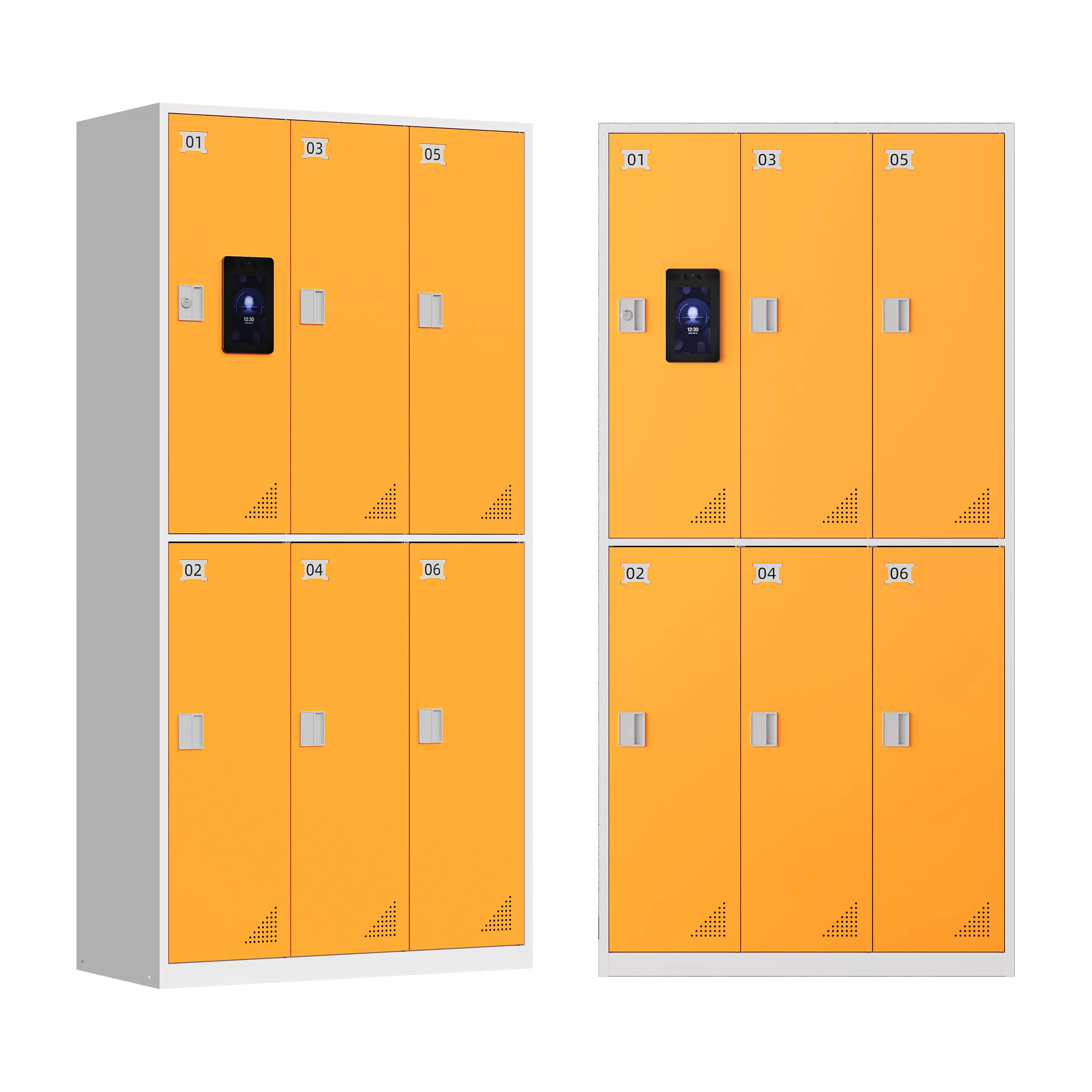
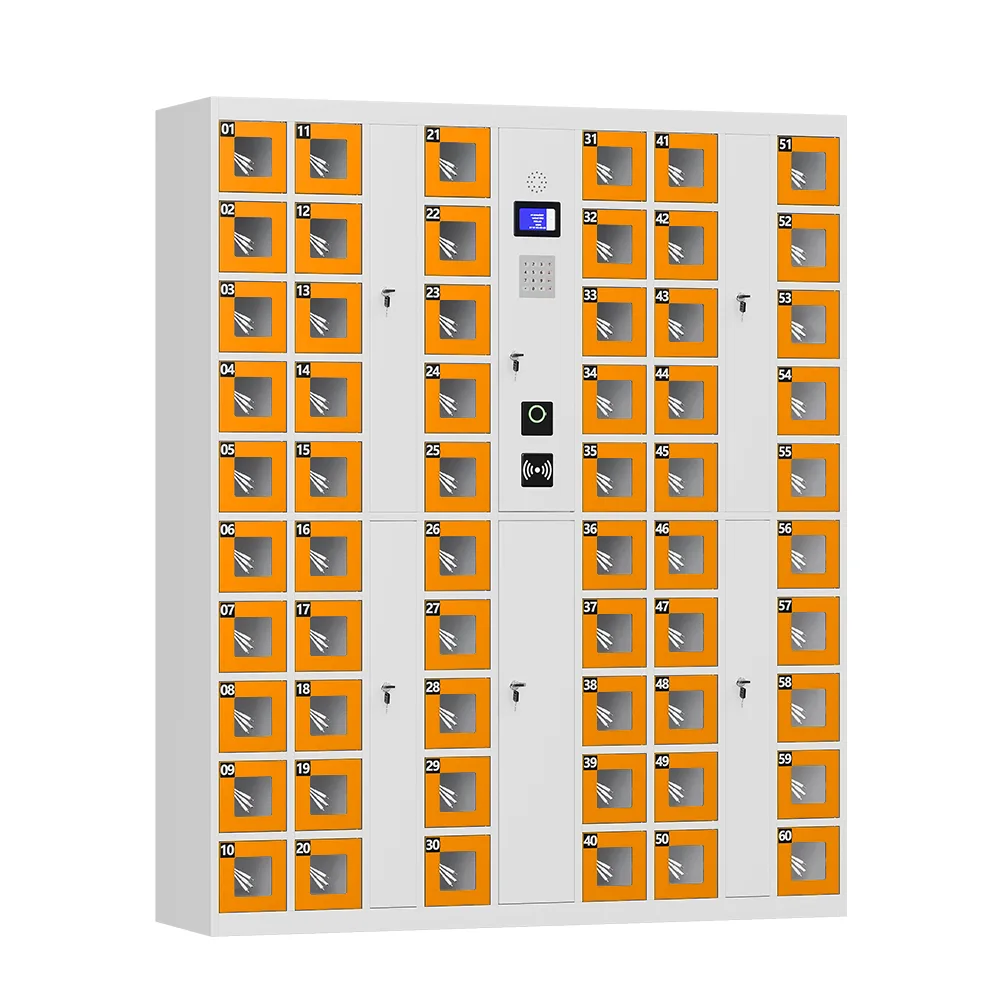
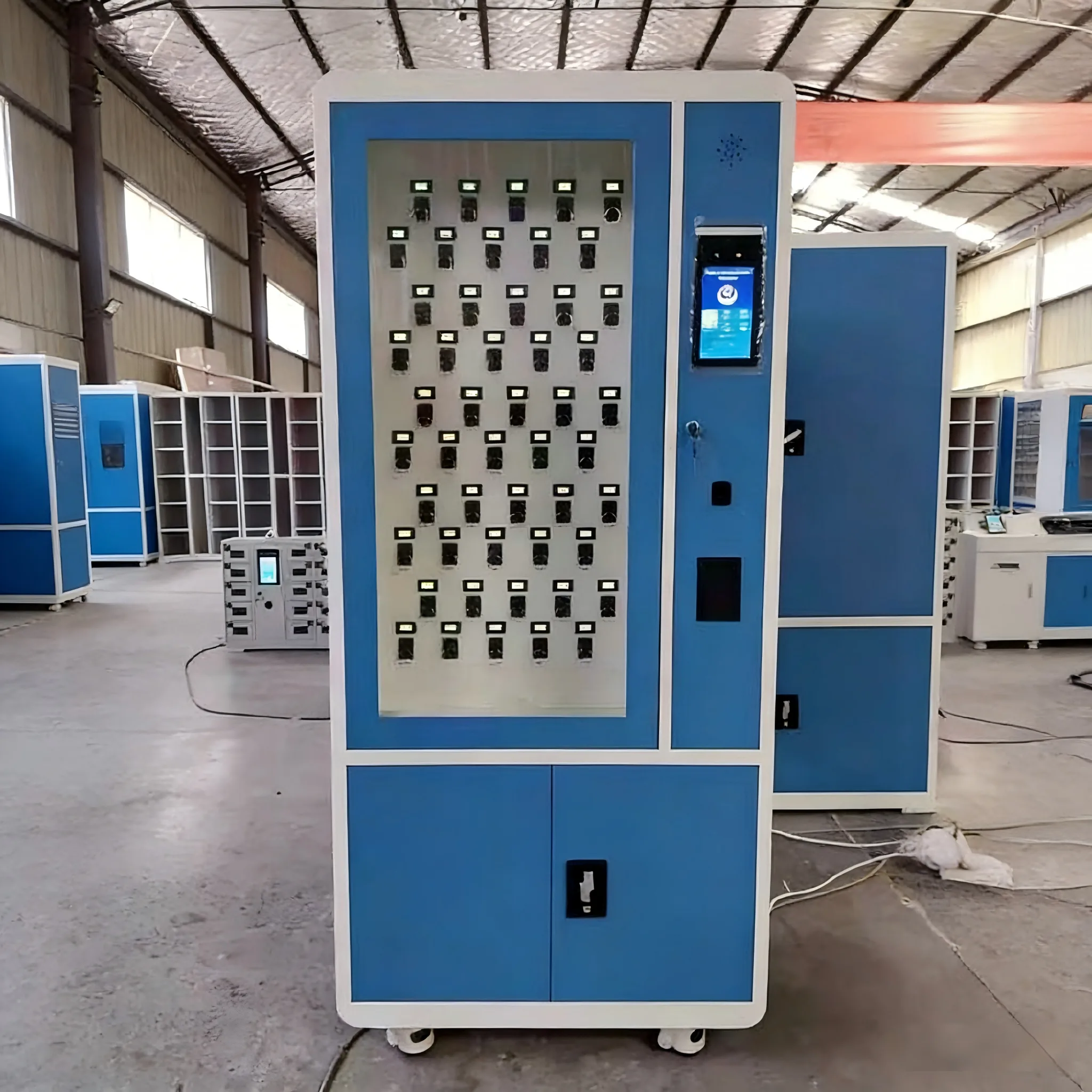
A smart key cabinet is a secure, steel-constructed storage unit with individually controlled key slots or hooks, managed by an electronic access system. Instead of grabbing a key off a hook and scribbling on a piece of paper, authorized users authenticate themselves at the cabinet — via PIN code, RFID card, fingerprint, or facial recognition — select the key they need, and the system releases it.
Every action is logged automatically:
- Who took the key
- Exactly when it was taken
- When (or if) it was returned
- Any unauthorized access attempts
The result is a complete, tamper-proof audit trail for every key in your organization. No more guessing. No more lost sign-out sheets. No more “I thought John had it” conversations.
Where Smart Key Cabinets Deliver the Highest ROI
1. Property Management & Residential Buildings
Property managers handle hundreds of keys — unit keys, common area keys, maintenance closets, equipment rooms. A smart key cabinet centralizes everything into one auditable system. Maintenance staff can check out keys on their own, without waiting for the property manager to be in the office. And if a tenant reports an issue, you can instantly see who last accessed their unit key.
Real-World Impact: A 200-unit apartment complex typically saves 5–8 hours per week on key management alone after switching to a smart cabinet system.
2. Car Rental & Fleet Operations
In car rental and fleet management, keys are literally the keys to revenue. A missing key means a vehicle that can’t go out — costing real money. A smart cabinet near the front desk or dispatch area lets staff access keys quickly, with every checkout logged automatically. Fleet managers can see at a glance which keys are out, which vehicles are available, and who has what.
3. Hospitals & Healthcare Facilities
Healthcare settings have some of the most stringent access control requirements. Medication rooms, labs, server rooms, and restricted patient areas all need controlled access. A smart key cabinet with individual permission levels ensures only authorized personnel can retrieve certain keys — and every access attempt is tracked for compliance audits. This is especially critical for shift-based environments where keys change hands multiple times per day.
4. Schools & Universities
Schools manage keys for maintenance, security, classrooms, labs, and administrative offices. Different staff members need different keys at different times. A smart cabinet eliminates the need for someone to physically hand out keys every morning — staff can authenticate and retrieve what they need independently, while administrators maintain full visibility and control.
5. Industrial & Manufacturing Facilities
Manufacturing plants and warehouses use keys for equipment rooms, tool cribs, chemical storage areas, and security offices. Shift workers need access at all hours, and accountability matters when expensive equipment or hazardous materials are involved. Smart cabinets with fingerprint or RFID access ensure only trained, authorized personnel can retrieve critical keys.
6. Hospitality & Hotels
Hotels manage keys for guest rooms (in some properties), back-of-house areas, storage rooms, and maintenance spaces. A smart cabinet streamlines key handoffs between shifts and provides a clear record for security incidents or lost key investigations.
7 Critical Features to Evaluate Before Buying
Not all smart key cabinets are created equal. Here’s what to look for when comparing systems:
1. Build Quality & Physical Security
The cabinet itself should be constructed from high-strength steel with a powder-coated finish that resists scratches and corrosion. Heavy-duty hinges and anti-pry door design are non-negotiable. Remember: if someone can break into the cabinet physically, all the electronic security in the world is irrelevant.
2. Flexible Access Control Methods
Different users prefer different authentication methods. The best systems support multiple options:
- PIN code — Simple, no physical credential needed
- RFID card — Fast, familiar, easy to issue and revoke
- Fingerprint — Ties access to a specific individual, stronger audit trail
- Facial recognition — Contactless, ideal for high-traffic or hygiene-sensitive environments
3. Granular Permission Management
Not every user should have access to every key. A quality system lets you assign specific keys to specific users or user groups. For example, maintenance staff get building keys, but not server room keys. IT staff get server room access, but not medication cabinet keys.
4. Comprehensive Audit Reporting
The software should generate clear, exportable reports showing:
- Key checkout and return history by user
- Currently checked-out keys and duration
- Unauthorized access attempts
- Custom date-range reports for compliance audits
5. Real-Time Monitoring & Alerts
You should be able to see key status in real time through a dashboard — no walking to the cabinet to check. The system should also send automated alerts for:
- Overdue keys (not returned within expected timeframe)
- Unauthorized access attempts
- Low battery or power issues
- Cabinet tampering
6. Ease of Use & Adoption
If the system is complicated, staff will find workarounds — defeating the entire purpose. Look for:
- Intuitive touchscreen interface
- Clear on-screen instructions
- Fast checkout process (under 10 seconds)
- Minimal training required for new users
7. Connectivity & Scalability
Modern cabinets should support WiFi or LAN connectivity for remote management. If you have multiple locations, confirm the system can manage multiple cabinets from one centralized dashboard. Adding cabinets later should be straightforward, not require a complete system replacement.
Installation & Maintenance: What to Expect
Most smart key cabinets are wall-mounted and require only a power source and network connection (WiFi or Ethernet). Installation typically takes 2–4 hours for a single unit, including software configuration and user setup.
Ongoing maintenance is minimal:
- Periodic cleaning of the touchscreen and card reader
- Checking that all key tags or hooks are functioning
- Software updates (usually pushed remotely)
- Battery backup testing (for power outage protection)
Quality systems are designed for high-frequency use — multiple checkouts per day, every day — without mechanical failure.
The ROI Case: Why Smart Key Cabinets Pay for Themselves
A smart key cabinet is a modest investment that delivers returns in multiple ways:
| Benefit | How It Translates to Savings |
| Time saved | No more hunting for keys or managing sign-out sheets — saves 5–10+ hours per week for most operations |
| Reduced rekeying costs | Fewer lost keys mean fewer lock changes and key duplications |
| Improved security | Clear accountability reduces theft, unauthorized access, and security incidents |
| Compliance readiness | Automated audit trails simplify inspections and regulatory reporting |
For most organizations, the system pays for itself within 6–12 months through time savings and reduced rekeying costs alone.
Често постављана питања
Q: How many keys can a smart key cabinet hold?
A: Cabinets come in a range of sizes, from compact 20–30 slot units for small offices to 100+ slot floor-standing models for large facilities. Most are available in increments of 10 or 20 slots.
Q: What happens if the power goes out?
A: Quality cabinets include a mechanical override key for emergency access, and many models offer battery backup to maintain electronic functionality for several hours during an outage.
Q: Can I manage multiple cabinets across different buildings?
A: Yes — if the system supports LAN or WAN connectivity, you can monitor and manage all cabinets from one centralized dashboard, regardless of physical location.
Q: How long does it take for staff to learn the system?
A: Most users are fully comfortable after one or two uses. The checkout process is designed to be intuitive — typically authenticate, select key, retrieve. Initial training for a team takes 15–30 minutes.
Q: Can the system integrate with our existing access control or security software?
A: Many modern smart key cabinets offer API integration, allowing them to connect with existing access control systems, HR platforms, or facility management software. Confirm this capability before purchasing if integration is important to you.
Q: Is a smart key cabinet worth it for a small organization with only 20–30 keys?
A: Absolutely. Even small organizations benefit from the accountability and time savings. Compact wall-mounted models are affordable and deliver the same core benefits — automated logging, secure storage, and real-time visibility — as larger systems.
Ready to Bring Order to Your Key Management?
If your organization still relies on a physical pegboard and paper sign-out sheets, you’re accepting unnecessary risk, wasted time, and security gaps. A smart key management cabinet is one of the simplest, highest-ROI upgrades you can make.
At UFUN, we manufacture smart key cabinets with flexible slot configurations, multi-language interfaces, and software that grows with your organization. With 10+ years of experience and deployments across 20+ countries, we’ve helped property managers, hospitals, schools, and fleet operators eliminate key management chaos for good.
 Phone/WhatsApp: +86 17737721702
 Email: young@lyyoubao.com