
Meta-beschrijving: Looking for a smart charging locker solution? This 2026 guide covers the best locations, safety features, access methods, and customization options for malls, campuses, airports, and offices.
Why Dead Phone Batteries Are a Facility Management Problem
We’ve all been there: 3% battery, no power bank, and nowhere safe to plug in. For facility managers, this isn’t just a minor inconvenience — it’s a visitor experience problem that directly impacts how long people stay in your space.
Shoppers leave malls early when their phones die. Students abandon study sessions when laptops run out of power. Travelers stress out at airports with no way to charge safely. Smart charging lockers solve all of these problems by combining secure storage with power delivery in one self-service unit.
This guide breaks down where charging lockers perform best, what features actually matter, and how to choose a system that fits your space — not the other way around.
Where Smart Charging Lockers Deliver the Most Value
1. Shopping Malls & Retail Centers
Malls are the #1 use case for charging lockers — and the math is simple. Shoppers spend 2–4 hours browsing, comparing prices, and navigating stores. Their phones inevitably run low.
A charging locker near the food court, main entrance, or seating area lets shoppers lock their phone inside, continue shopping, and return to a fully charged device. The result? Visitors stay longer, spend more, and leave with a better impression of the property.
UFUN Insight: Malls that install charging lockers near food courts see the highest usage — people naturally have 30–60 minutes of downtime while eating, which is perfect for a quick top-up.
2. University & College Campuses
Students carry multiple devices — phones, laptops, tablets — and older campus buildings simply weren’t wired for today’s power demands. A bank of charging lockers near the library entrance or student union solves this without expensive building-wide electrical rewiring.
Unlike simple wall outlets, charging lockers let students leave their devices unattended safely — a critical feature in shared study spaces.
3. Airports & Train Stations
Travelers often have 1–3 hours of layover or waiting time, but leaving a phone plugged into an open wall socket is risky — devices get forgotten, stolen, or knocked off counters.
A charging locker with individually locked, powered compartments gives travelers a secure place to charge while they grab coffee, eat, or wait at the gate. Peace of mind is the product here, not just power.
4. Offices & Coworking Spaces
Modern employees move between meetings, hot desks, and collaborative zones all day. A charging locker lets them drop off a phone or tablet for a quick boost without leaving it unattended on a shared desk.
In coworking environments specifically, this solves a real trust gap that wall outlets never could — your device is locked, not sitting out in the open.
5. Corporate & Industrial Environments
Beyond public spaces, charging lockers are becoming standard infrastructure in specialized settings:
- Corporate offices — centralized charging for employee devices and shared company assets like tablets and walkie-talkies
- Manufacturing facilities — secure charging for handheld scanners, tool batteries, and communication devices across shifts
- Hospitals & healthcare — controlled charging for medical staff devices and equipment
- Logistics & delivery hubs — organized charging for scanners and mobile devices used by warehouse teams
What Makes a Charging Locker “Smart”? Two Systems in One
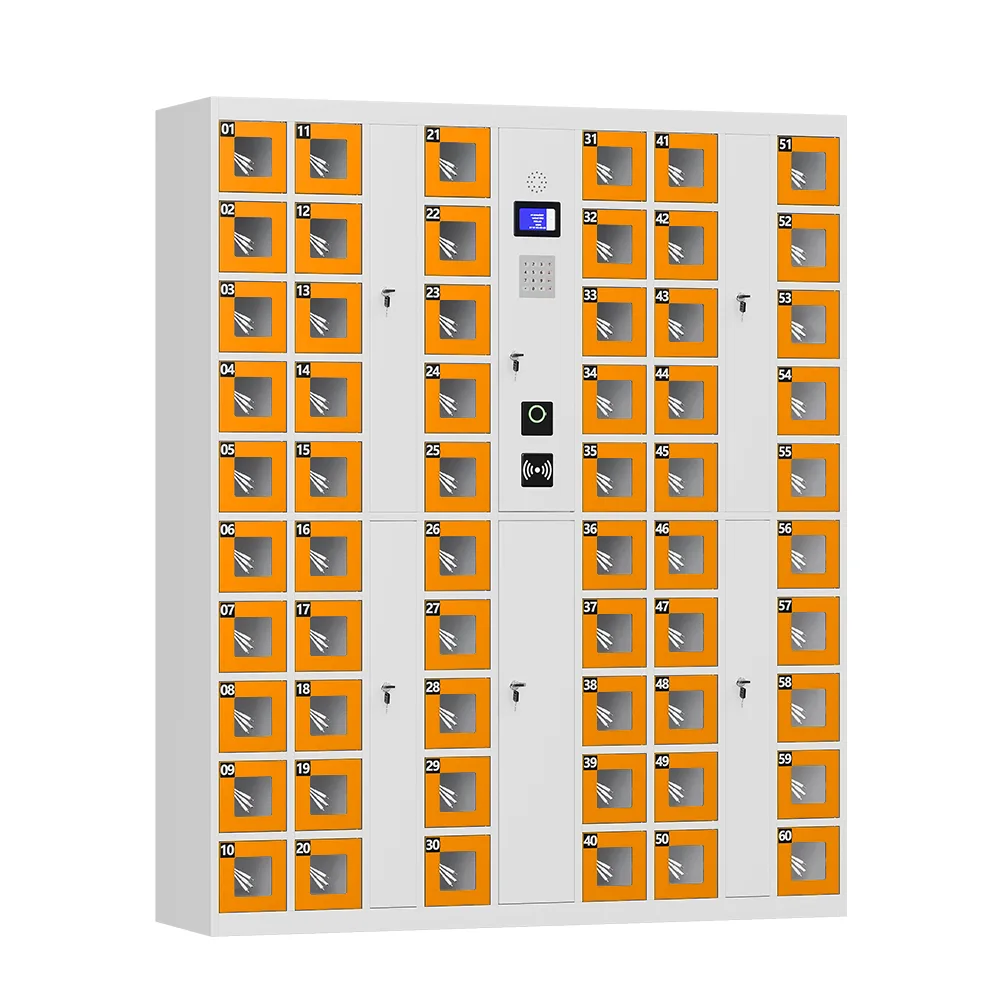
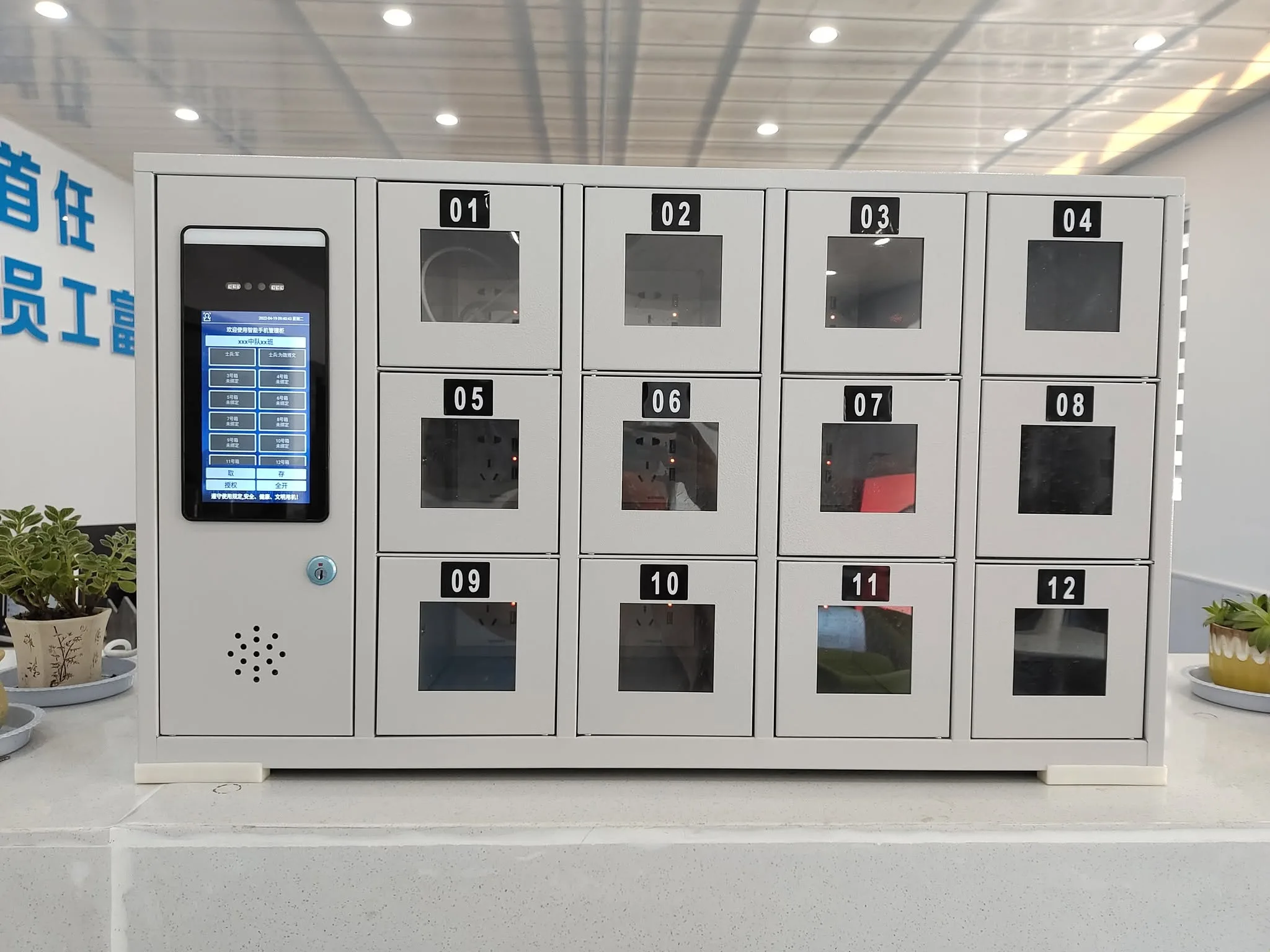
A smart charging locker is essentially two products combined:
Secure Storage
Each compartment has its own electronic lock, isolating every user’s device. No shared open trays, no risk of someone grabbing the wrong phone. High-strength steel construction resists tampering and forced entry.
Power Delivery
Every compartment delivers charging power to the device inside. Users don’t just store their phone — they get it back fully charged.
Build Quality & Safety: What to Look For
Charging lockers hold dozens of lithium-ion batteries charging simultaneously. Safety isn’t optional — it’s the foundation of the product.
Material & Construction
- Cold-rolled steel with powder coating — resists dents, scratches, and daily wear far better than thin-gauge alternatives
- Flame-retardant design — essential for equipment holding multiple charging batteries; fire safety must be a core design consideration, not an afterthought
Charging Protection
- Overload protection — prevents power surges from damaging devices
- Over-voltage protection — regulates voltage to safe levels
- Short-circuit protection — cuts power instantly if a fault is detected
- Auto power cutoff — stops charging once a device reaches 100%, preserving battery health over time
Heat Management
This is the detail most buyers overlook. Multiple devices charging inside a closed metal cabinet generate significant heat. Quality systems use:
- Internal ventilation fans or passive cooling design
- Temperature monitoring to keep compartments within safe ranges
- Heat dissipation that protects both devices and the locker’s internal wiring
Safety First: Always confirm a charging locker has both flame-retardant construction and active ventilation. A unit that overheats isn’t just unreliable — it’s a liability.
Access Methods: Match the Method to Your Users
Different environments need different access methods. The best systems support multiple options:
- QR code access — Fast, familiar, and ideal for one-time users (mall shoppers, airport travelers). No app download required.
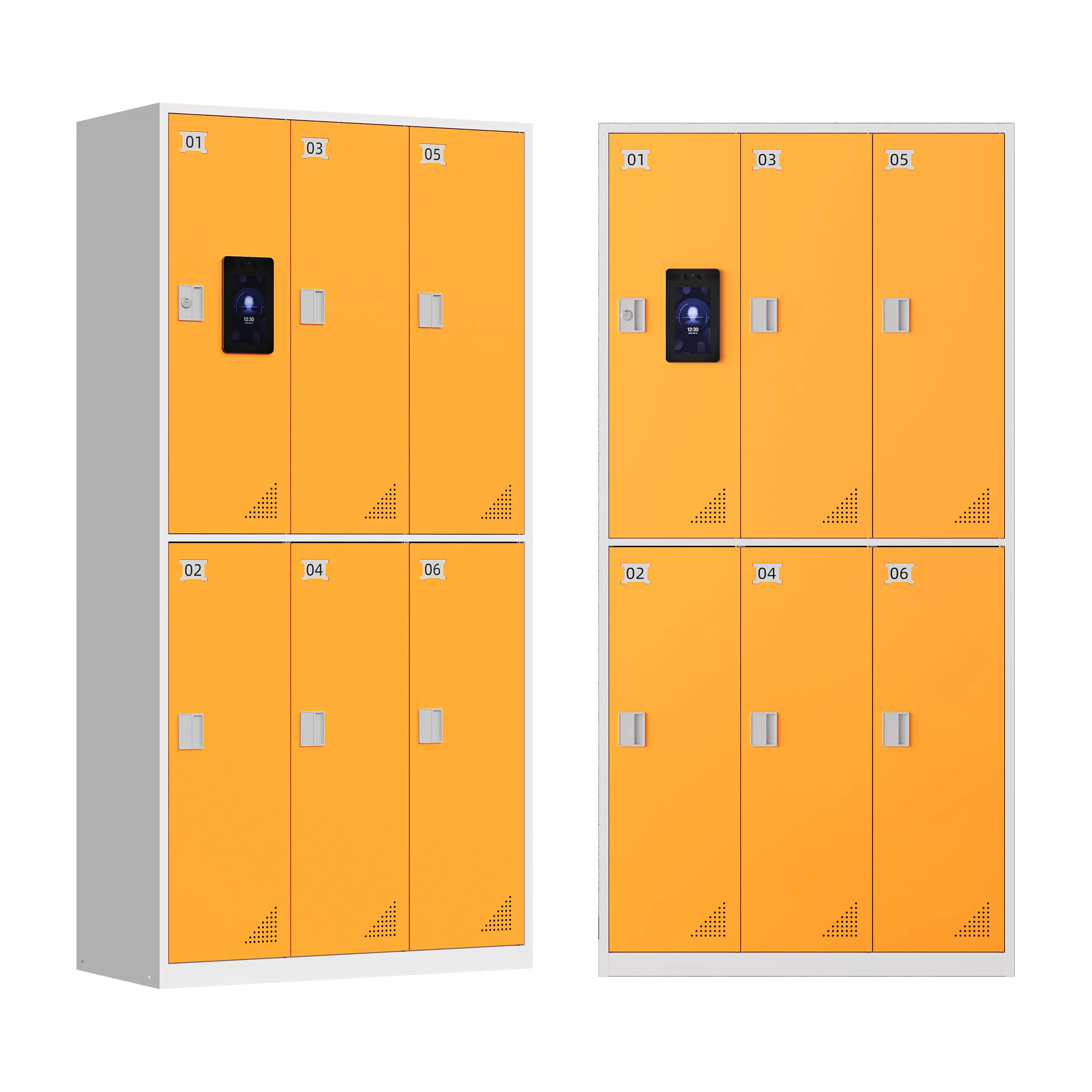
- Gezichtsherkenning — Perfect for repeat users in controlled environments (office employees, campus students). No code to remember.
- Fingerprint access — Strong for settings requiring individual accountability (industrial facilities, corporate device management).
- PIN code entry — Reliable fallback that works anywhere without accounts or apps.
For facilities managing shared assets (tablets, walkie-talkies, scanners), access control does more than convenience — it creates a logged record of who took which device and when.
Payment Flexibility for Public-Facing Locations
Charging lockers can operate as free amenities or paid services, depending on your venue’s goals:
- Free amenity model — Common in malls, offices, and campuses where the goal is enhancing visitor experience and increasing dwell time
- Paid convenience model — Typical in airports, transit hubs, and entertainment venues where the service generates modest revenue
- Flexible payment — Quality systems support cash, coins, cards, and mobile payments, matching whatever habits are standard for your audience
Remote Management: Run the System From Anywhere
Modern charging lockers are IoT-connected devices, not just metal boxes. The cloud platform determines how easy the system is to operate:
- Real-time monitoring — Check locker status, view usage logs, and track operations from anywhere
- Usage analytics — Understand peak hours and usage patterns to decide if you need more capacity
- Remote troubleshooting — Diagnose issues without sending a technician on-site
- API integration — Connect with existing facility management or access control platforms
User Experience: The Difference Between Used and Unused
A confusing interface kills adoption, no matter how good the hardware is. The best systems keep it simple: scan → choose compartment → close door → done.
- Clear on-screen instructions in multiple languages
- Fast first-time user onboarding (no account creation required)
- Quick reuse for returning visitors (gym members, daily commuters, employees)
- Visual feedback so users always know their device is charging securely
Customization: Fit the Locker to Your Space
Every facility is different. A one-size-fits-all approach rarely works. Look for these customization options:
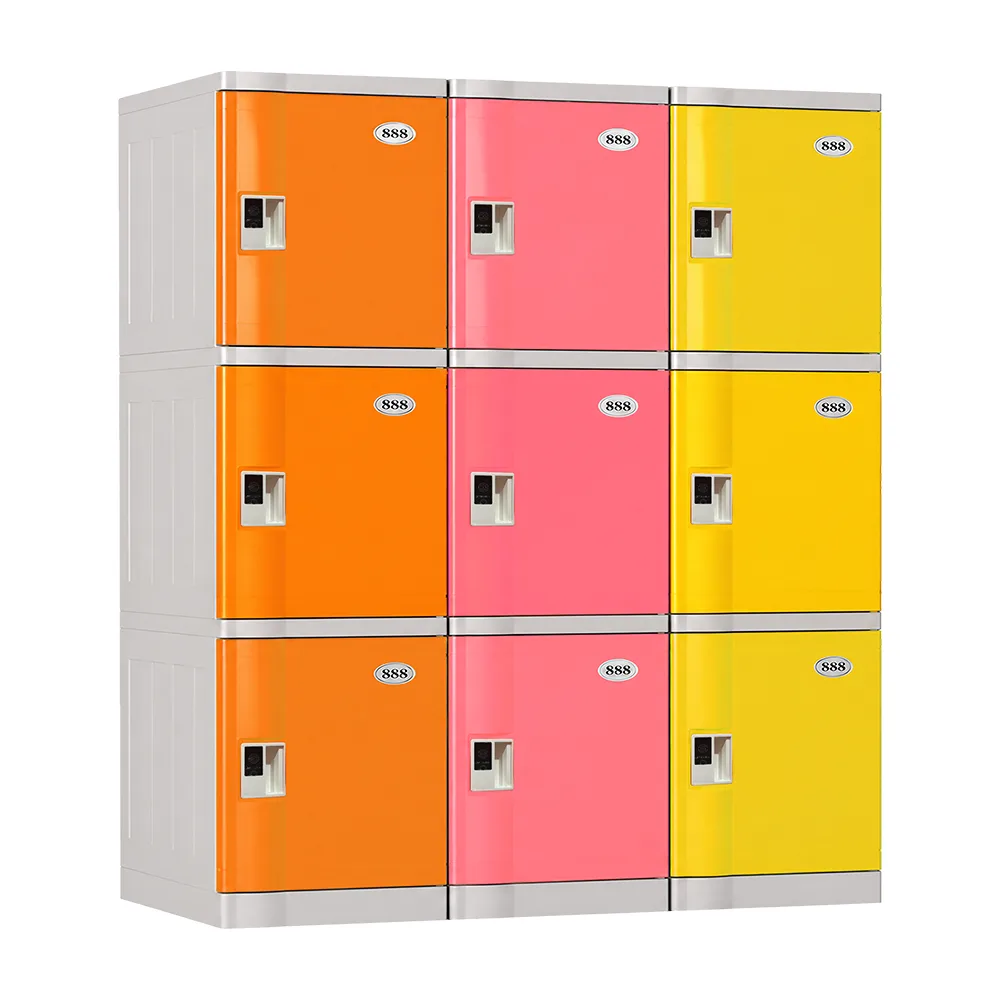
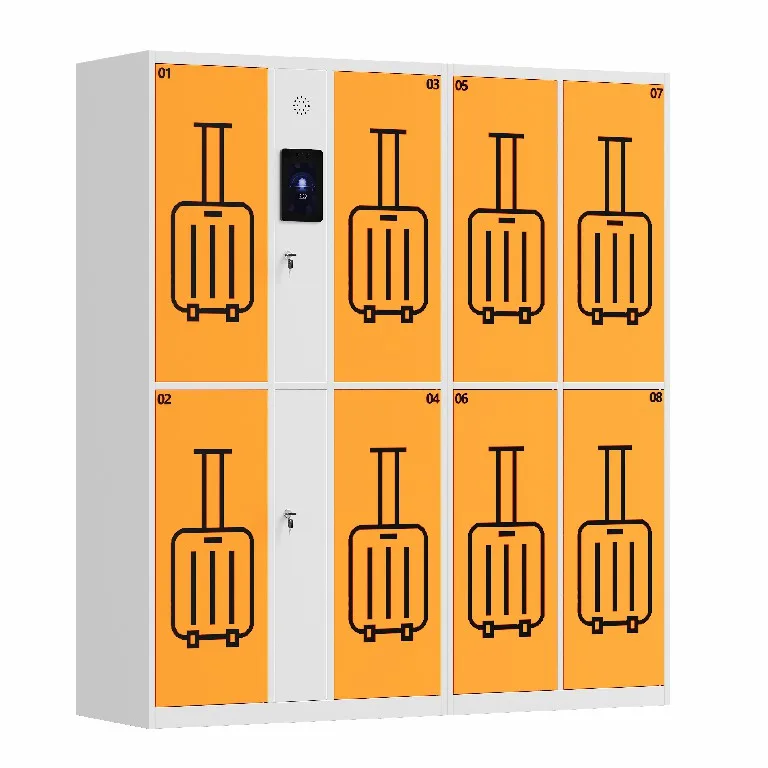
- Adjustable size & door count — From compact 6-door units to large 30+ door installations
- Custom RAL colors — Match your interior design instead of sticking out
- Logo & branding — Print your property’s logo directly on the doors
- Payment configuration — Free, coin-operated, or fully cashless — your choice
- Language settings — Multi-language touchscreen interfaces for diverse audiences
Quick Reference: Location vs. Recommended Setup
| Location | Best Access Method | Payment Model | Key Feature |
| Shopping Malls | QR code | Free or paid | High visibility, fast onboarding |
| University Campuses | QR / Face ID | Free | Laptop & tablet compatible |
| Airports / Stations | QR code | Paid | Secure unattended charging |
| Offices / Coworking | Face / Fingerprint | Free | Quick reuse for regulars |
| Industrial Facilities | Fingerprint / PIN | N/A | Shared device tracking & logging |
| Healthcare | PIN / Card | Free | Hygienic, easy to clean |
Veelgestelde vragen
Q: What exactly is a smart charging locker?
A: It’s a self-service unit with individually locked, powered compartments. Users lock their device inside, it charges securely, and they return to pick it up later. Access is typically via QR code, face recognition, fingerprint, or PIN.
Q: Are charging lockers safe for phones and laptops?
A: Quality systems include overload, over-voltage, and short-circuit protection, plus auto power cutoff when charging completes. Combined with flame-retardant construction and active ventilation, they’re designed specifically for safe unattended charging.
Q: Where do charging lockers perform best?
A: High-traffic spaces where people have downtime and limited power access — shopping malls, university libraries, airports, train stations, offices, gyms, and industrial facilities are all proven use cases.
Q: Can charging lockers be customized for my venue?
A: Yes. Size, door count, exterior color, branding, payment method, and language settings can all be configured to match your space, visual identity, and business model.
Q: How much maintenance do charging lockers require?
A: Very little. Regular cable checks and general cleaning are typically enough. Most issues can be diagnosed and resolved remotely through the cloud management platform.
Q: Do charging lockers need an internet connection?
A: Smart charging lockers require WiFi or LAN connectivity for remote management and QR code-based access. Offline mode is available on some models as a backup.
Ready to Add Smart Charging to Your Facility?
Smart charging lockers solve a simple, universal problem: people need to charge their devices, and they need a safe place to leave them while it happens. That’s why they’ve become standard infrastructure in airports, malls, campuses, offices, and a growing range of specialized environments.
At UFUN, we manufacture smart charging lockers with the safety features that matter most — flame-retardant steel, active ventilation, multi-layer charging protection — plus flexible customization for any space. With 10+ years of experience and deployments across 20+ countries, we can help you spec the right system for your facility.