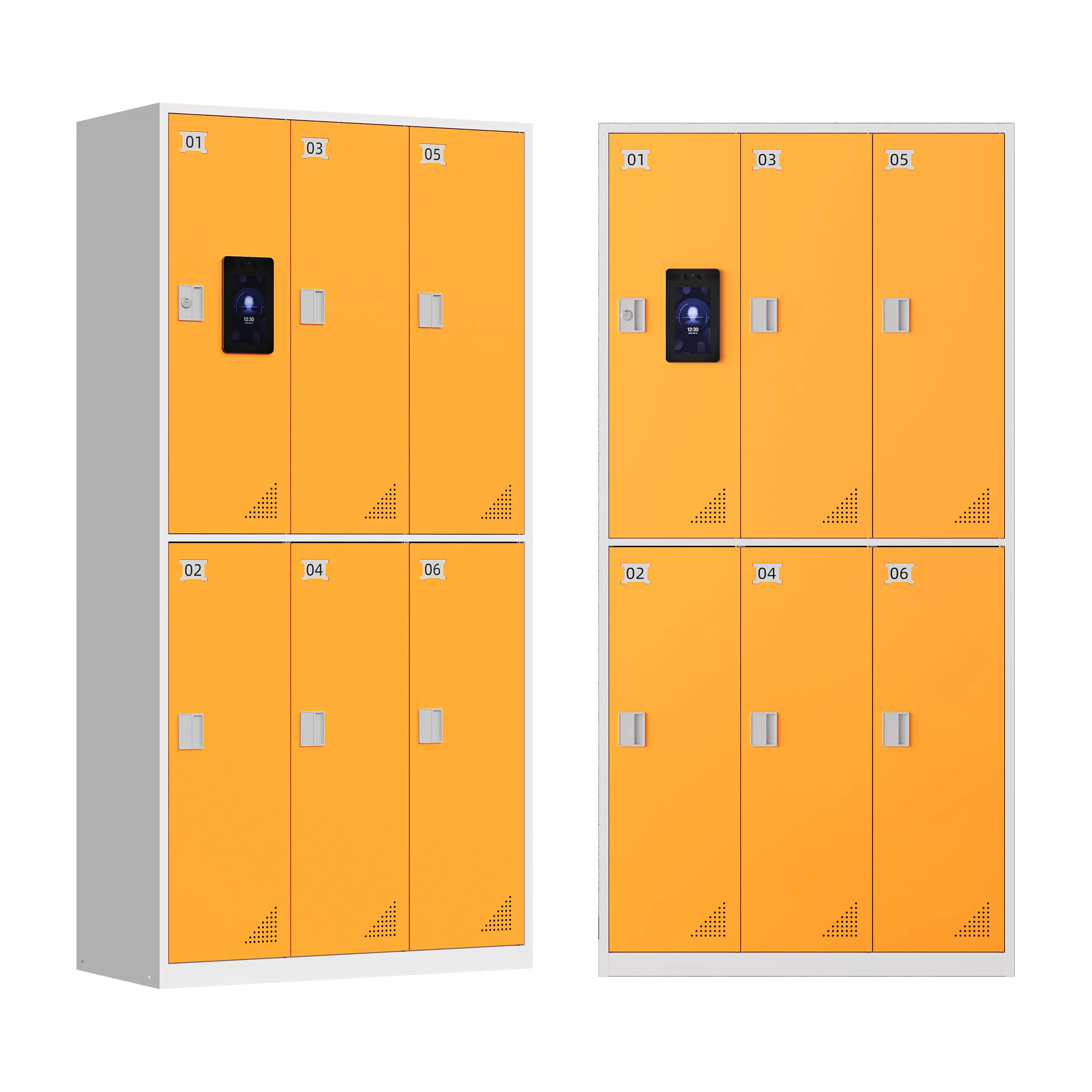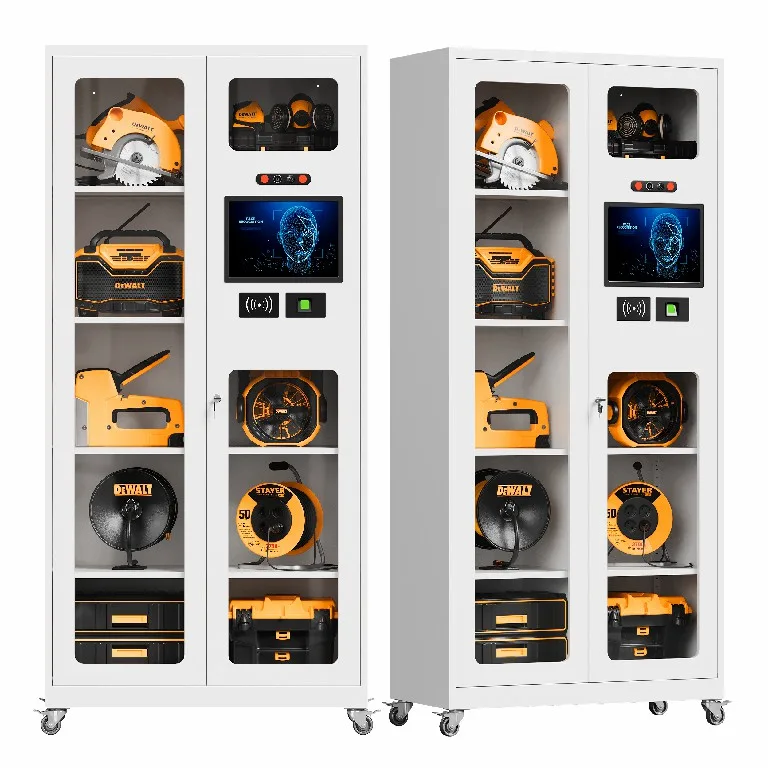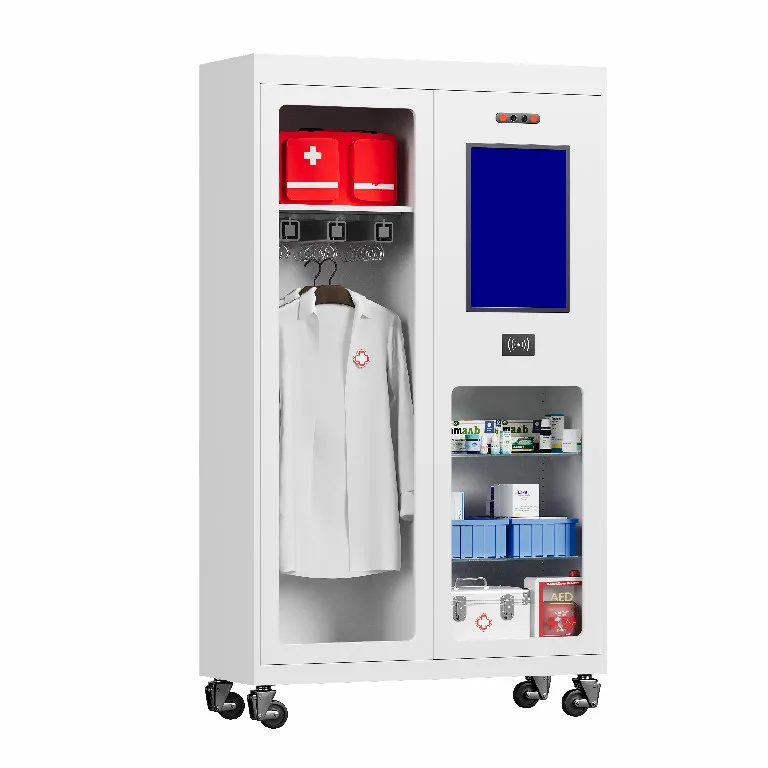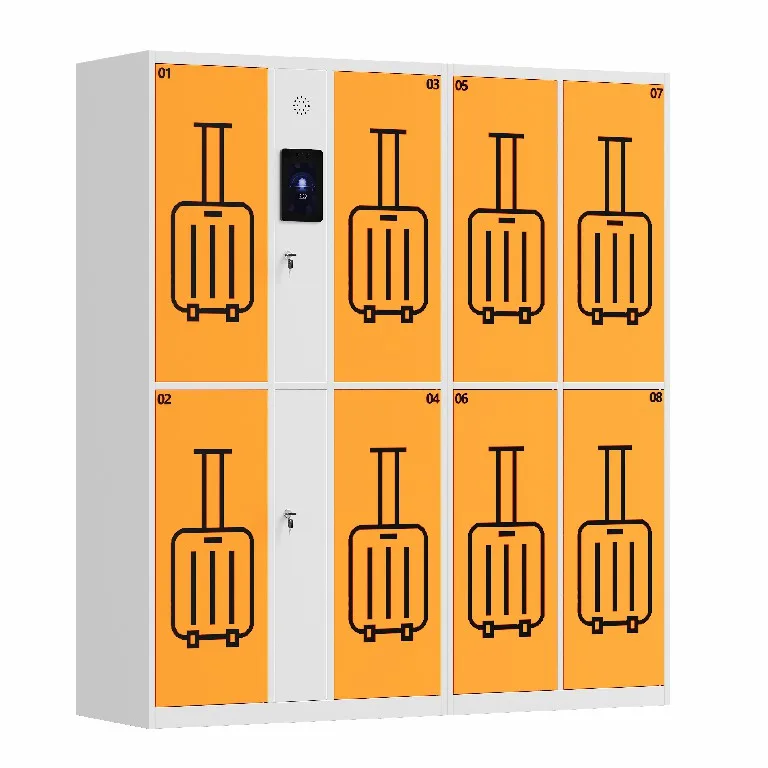

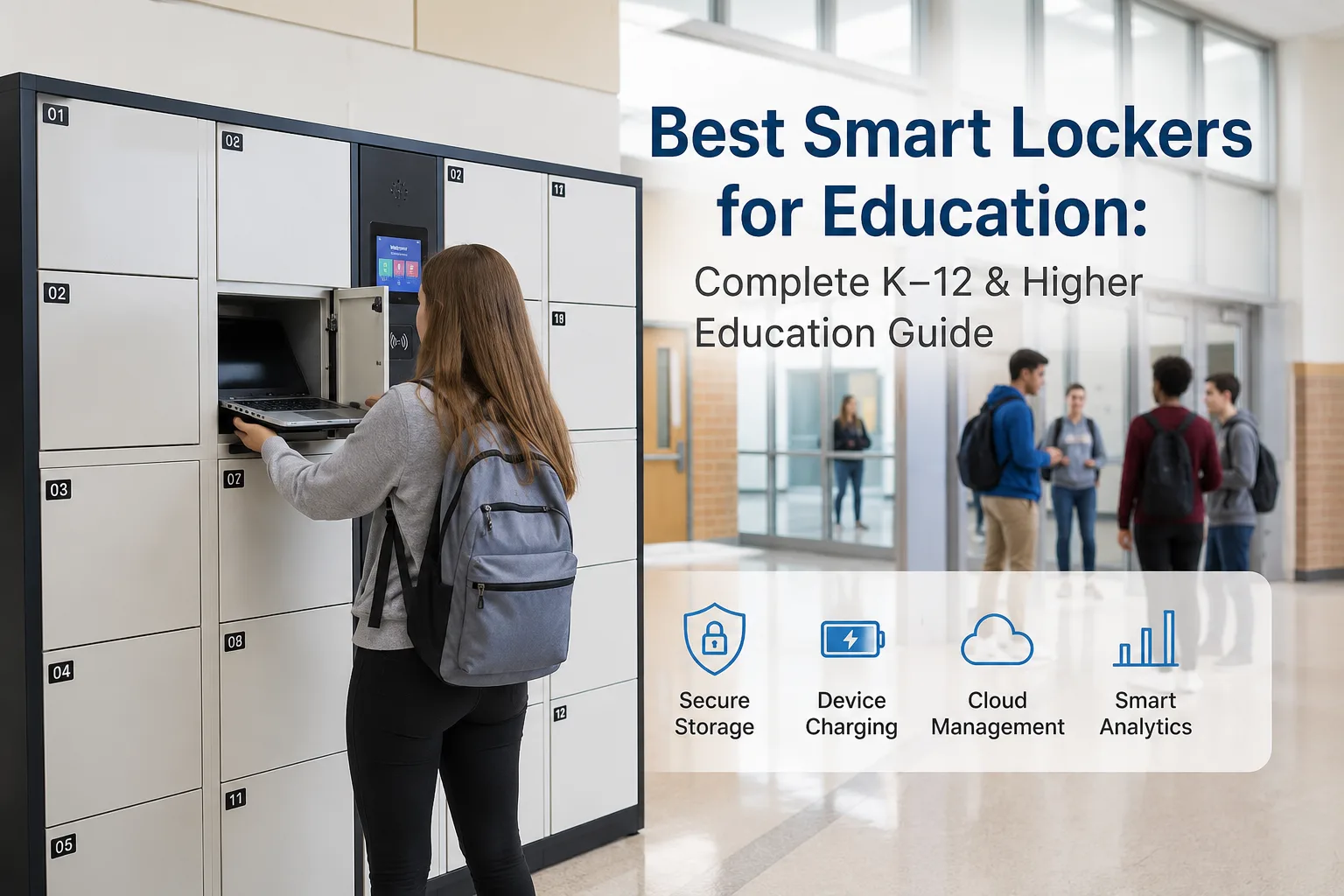
Modern K–12 schools, colleges, and higher education campuses widely adopt education smart lockers to optimize daily campus operations, covering personal item storage, parcel management, and professional educational tech asset supervision. Among all locker types, device-dedicated smart lockers for education deliver the highest practical value and ROI for academic scenarios. Unlike generic smart storage lockers that only support basic storage functions, these specialized education-focused smart locker systems are professionally designed to secure, charge, and manage the full circulation of student laptops, tablets, and portable learning devices on campus.
Equipped with customized device-specific compartments, built-in fast charging infrastructure, fully autonomous self-service workflows, and centralized cloud management tools, premium smart lockers for K–12 and higher education effectively solve common campus IT device management bottlenecks. This in-depth SEO guide elaborates on the essential features of top-tier educational smart locker systems, clarifies the differentiated operational needs of K–12 and university scenarios, and shares data-driven tips to avoid overinvestment and unreasonable configuration of campus smart locker equipment.
Core Key Takeaways
- All academic institutions face identical tech management pain points: frequent damage and loss of student learning devices, overburdened campus IT teams, and opaque tracking of campus device circulationwith poor real-time visibility.
- High-quality educational smart locker platformssupport end-to-end self-service device management workflows, complete audit trail logging for full asset accountability, and remote cloud-based administration to simplify campus IT daily operations.
- The most cost-efficient deployment strategy prioritizes small-scale pilot testing, performance optimization based on real campus usage data, and incremental expansion targeted at high-traffic, high-demand zones.
Essential Features of Premium Smart Locker Systems for Academic Campuses
Enterprise-grade smart locker systems for education integrate heavy-duty physical hardware and intelligent cloud software to build a one-stop campus device management ecosystem. The hardware layer undertakes the safekeeping, storage, and continuous power supply of educational electronic devices, while the software layer automates access control, standardizes device circulation workflows, and outputs actionable operational data. This integrated design realizes standardized, efficient, and fully traceable management of campus IT assets.
Must-Have Hardware Specifications
- Environment Adaptability
Most education-focused smart lockers are engineered for indoor deployment in classrooms, libraries, campus offices, and learning hubs. Indoor placement shields equipment from extreme temperatures, moisture, and outdoor weather damage, stabilizing charging performance and extending overall locker lifespan. Institutions requiring outdoor installation can opt for weatherproof, environment-rated locker models with professional protective certifications.
- Heavy-Duty Tamper-Proof Build
Campus lockers endure frequent, high-volume student use and require durable, reinforced construction. Premium units feature thick steel frames and anti-pry designs to prevent unauthorized access, vandalism, and equipment theft. Integrated active or passive ventilation systems eliminate heat buildup during continuous device charging, mitigating overheating risks and ensuring safe, long-term device storage.
- Custom-Fit Device Compartments
Locker bays should be sized to accommodate all standard campus learning devices, including full-size laptops, tablets, and smartphones fitted with protective cases. Well-proportioned compartment dimensions prevent device extrusion and damage, supporting seamless daily storage, deployment, and circulation of academic tech assets.
- Universal Built-In Charging Infrastructure
Every individual compartment should come equipped with dual charging solutions: modern USB-C ports and traditional AC power outlets, covering the charging requirements of all student and faculty devices. Secured, anti-loose charging cables prevent loss and damage, while supporting quick replacement and routine maintenance for campus IT teams.
- Intelligent Fault Detection & Emergency Override
Advanced smart locker systems offer real-time tamper detection, stuck door identification, and abnormal operation alerts for administrators. A reliable manual override function is embedded to resolve common issues including compartment jams, power outages, and network disconnections, ensuring uninterrupted campus device service at all times.
- User-Friendly Maintainability
Modular locker architecture allows for simple component disassembly, replacement, and upgrades. Automated remote firmware updates eliminate manual on-site upgrades, while comprehensive technical support and after-sales services reduce long-term campus maintenance overhead and equipment downtime.
Core Software & Workflow Functional Requirements
- Fully Automated Device Lifecycle Workflows
Top-tier platforms cover every stage of campus device management: bulk device deployment, daily charging maintenance, fault repair processing, equipment replacement, and asset recycling. Intuitive guided self-service workflows enable staff and students to borrow, return, and swap devices independently, eliminating repetitive manual IT desk work.
- Multi-Mode Campus Authentication Compatibility
To align with existing campus security protocols, smart lockers support diverse authentication methods compatible with standard school credentials, including SSO single sign-on, campus ID card scanning, RFID proximity access, QR and barcode verification, and PIN code login. This flexible authentication framework balances operational convenience and campus data security.
- Full Traceability & Customizable Data Reporting
Every system action—including device pickup, return, charging cycles, and administrator modifications—is automatically recorded in a comprehensive audit trail. Built-in analytics tools deliver real-time usage statistics and customizable exportable reports, supporting institutional asset audits, operational reviews, and long-term management optimization.
- Centralized Cloud Remote Administration
IT administrators can remotely adjust user permissions, revise workflow rules, monitor real-time device and locker status, and generate data reports via a unified cloud dashboard. This feature is particularly valuable for multi-building campuses and large school districts, enabling centralized oversight of geographically dispersed locker deployments.
- Cross-System Data Integration Capabilities
Premium smart locker platforms support seamless integration with mainstream campus systems, including identity management tools, MDM device management software, ITSM service platforms, and institutional asset databases. Full data synchronization eliminates siloed information, unifies device lifecycle records, and elevates overall campus digital management efficiency.
Smart Lockers for K–12 Schools: Resolve High-Frequency Device Management Challenges
Digital learning devices have become standard classroom equipment for modern K–12 education. Industry surveys show that almost all K–12 teachers rely on school-issued laptops and tablets for daily teaching. However, most primary and secondary schools lack professional supporting infrastructure and sufficient IT staffing to manage expanding device fleets, resulting in persistent operational difficulties that can be perfectly solved by K–12 smart lockers.
While 1:1 student device programs effectively bridge digital learning equity gaps, they also create sustained IT operational pressure. The majority of K–12 institutions struggle with understaffed IT teams and rising device failure rates, which consume valuable teaching resources and hinder core educational activities.
Key K–12 Device Management Pain Points
- Elevated maintenance and replacement costs: Student laptops and tablets are prone to accidental damage, loss, and neglect. Over 25% of school districts fully cover all device repair and replacement expenses, creating recurring financial burdens for academic institutions.
- Chronic IT team burnout: K–12 IT staffing ratios remain extremely limited, with most schools assigning just five technical staff members per 1,000 devices. Repetitive device swapping, troubleshooting, and maintenance tasks create massive workflow backlogs for core IT projects.
- Disrupted teaching workflows: Without automated device management systems, classroom teachers often act as frontline support for device issues, diverting time from instruction and creating unnecessary interruptions to student learning sessions.
Practical K–12 Smart Locker Workflow Model
Self-service smart locker systems establish a streamlined, autonomous device circulation channel for primary and secondary schools. When students encounter broken, dead, or misplaced learning devices, they can independently retrieve fully charged replacement units without waiting for in-person IT support.
The standardized campus workflow is simple and efficient: Students complete identity verification at the locker terminal and select their required service (device borrow, return, or repair submission). The system automatically unlocks a designated bay, allowing students to collect spare devices or deposit faulty equipment. All actions, including user identity, timestamp, location, and device status, are logged in the cloud system for full traceability. IT teams conduct centralized sorting, maintenance, and locker restocking during off-hours to ensure consistent daily device availability for classrooms.
Smart Lockers for Higher Education: Enable 24/7 Unattended Campus Device Services
Colleges and universities across the globe are actively promoting digital device popularization for modern teaching, facing similar device management challenges as K–12 institutions but with larger scales and more complex scenarios. Industry research for higher education shows that over 70% of university IT staff suffer from excessive workloads, and repetitive device circulation, maintenance, and troubleshooting work is the core cause—an issue fully resolved by professional higher education smart lockers.
Unlike K–12 education, university learning schedules are highly flexible, with extensive after-hours and weekend study activity. This creates demand for round-the-clock device support that traditional office-hour IT desks cannot meet. Additionally, university campuses manage massive device fleets, with thousands of new devices entering annual circulation, making manual management virtually unsustainable.
Unique Smart Locker Benefits for University Campuses
- Distributed Campus Deployment
Smart lockers can be strategically placed across campus hotspots including libraries, residence halls, academic buildings, and student activity centers. This distributed service network eliminates congestion at central IT offices, disperses service traffic, and improves accessibility for students across all campus zones.
- 24/7 Unattended Operational Support
Systems can be configured for full-time autonomous operation, enabling students to borrow and return devices during late-night study sessions, holidays, and weekends. All off-hours transactions are automatically synced to the cloud dashboard, allowing IT administrators to maintain complete oversight and accountability without on-site staffing.
- Multi-Site Centralized Oversight
Unified cloud management supports cross-location locker monitoring and administration. Campus IT leaders can review device usage trends, track spare asset inventory, and identify equipment faults across all locker clusters from a single dashboard, enabling refined, data-driven asset management for large-scale campuses.
- Enterprise-Level Campus System Compatibility
Higher education smart locker solutions integrate seamlessly with enterprise-grade campus identity and management systems. This eliminates redundant user authorization, unifies campus data ecosystems, and aligns perfectly with the standardized, high-compliance management requirements of university institutions.
How to Calculate Optimal Locker Bay Capacity for Your Campus
Effective smart locker deployment relies on matching bay quantity to actual campus device circulation demand, rather than speculative bulk purchasing. Independent locker compartments (bays) serve as the accurate measurement benchmark, as a single locker unit can house multiple individual device storage slots.
Core Demand Evaluation Metrics
Institutions should analyze historical operational data to guide deployment planning, including daily device borrowing volume, weekly faulty equipment submissions, daily IT service ticket volumes, and seasonal demand spikes during exam periods and semester rollouts. Industry benchmarks indicate that over 60% of schools handle up to 10 faulty devices weekly, while most campuses receive 1 to 5 device-related support tickets each day.
Data-Driven Deployment Strategy
The most prudent and cost-effective approach is pilot deployment first. Launch a small-scale trial with locker units featuring 5 to 15 bays, then leverage system analytics to monitor usage frequency, peak operation hours, and regional demand gaps. Scale locker capacity incrementally in high-demand areas based on verified real-world data, effectively eliminating overinvestment and resource waste.
Final Verdict
Professionally customized education smart locker systems are tailored for the unique device management pain points of K–12 and higher education campuses. With durable hardware protection, intelligent workflow automation, and comprehensive data audit traceability, these smart locker solutions effectively reduce campus IT workload, eliminate opaque asset management problems, and stabilize the whole campus device circulation process.
When selecting a smart locker solution, academic institutions should prioritize scenario adaptability, system compatibility, and remote management functionality. Pilot testing and data-driven expansion maximize equipment ROI, supporting the digital transformation and intelligent upgrading of modern campus management systems.
FAQ
What are the best smart lockers for K–12 and university campuses?
Device-centric smart lockers for education are the optimal choice for K–12 and university campus device management. Different from ordinary parcel and personal storage lockers, professional education smart lockers integrate dedicated device charging, self-service circulation, asset auditing, and campus system integration functions. They cover full lifecycle management of student laptops, tablets, and educational tech assets, making them the most practical solution for campus IT asset supervision.
What is the core difference between K–12 and higher education smart locker usage?
The core functions of educational smart lockers are universal for K–12 and higher education scenarios, including automated device borrowing, fault repair processing, charging management, and traceable asset tracking. The key differences lie in operational scenarios and usage scales: universities have larger campus coverage, 24/7 all-weather usage demands and multi-area deployment needs, while K–12 smart locker applications focus more on standardized daytime classroom device management.
How do smart lockers support school 1:1 device programs?
School 1:1 device programs greatly enrich digital teaching resources but bring long-term management pressure to campus IT teams. Education smart lockers build an independent student self-service channel for faulty device return, replacement borrowing, and equipment swapping, eliminating tedious IT queuing work. Built-in professional charging modules ensure learning devices are always fully charged and available, effectively reducing IT operational burdens and minimizing interruptions to classroom teaching and student learning.
Can university students access campus smart lockers 24/7?
Yes. Modern higher education smart locker systems support fully customizable unattended 24/7 operation. After IT administrators enable round-the-clock access permissions, students can complete identity verification through official campus credentials to borrow and return learning devices at any time. All off-hours operational records are automatically synchronized to the cloud audit system, balancing student usage convenience and standardized campus asset management.