
1. Introduction: The Evolution from Mechanical Lockers to Smart Storage
For decades, lockers have been a fixture of schools, gyms, factories, and transportation hubs — rows of identical metal compartments opened by physical keys or combination dials. They served their purpose, but they came with inherent limitations: keys get lost, combinations get forgotten, there is no way to know who accessed which compartment and when, and managing them requires constant manual oversight by staff.
A smart locker changes all of that. By replacing mechanical locks with electronic access systems and connecting every compartment to a cloud-based software platform, a smart locker transforms a passive storage unit into an active, trackable, remotely manageable piece of infrastructure. It operates 24/7 without staff, generates a complete audit trail for every transaction, sends automated notifications to users, and provides administrators with real-time visibility across every compartment in every location — even across multiple cities or countries.
This guide explains exactly what a smart locker is, how it works, what features define it, why organizations across industries are adopting it, and how to choose the right system for your specific needs. Whether you are evaluating smart lockers for package delivery, employee storage, asset tracking, or public luggage storage, this guide covers the full picture.
2. What Exactly Is a Smart Locker?
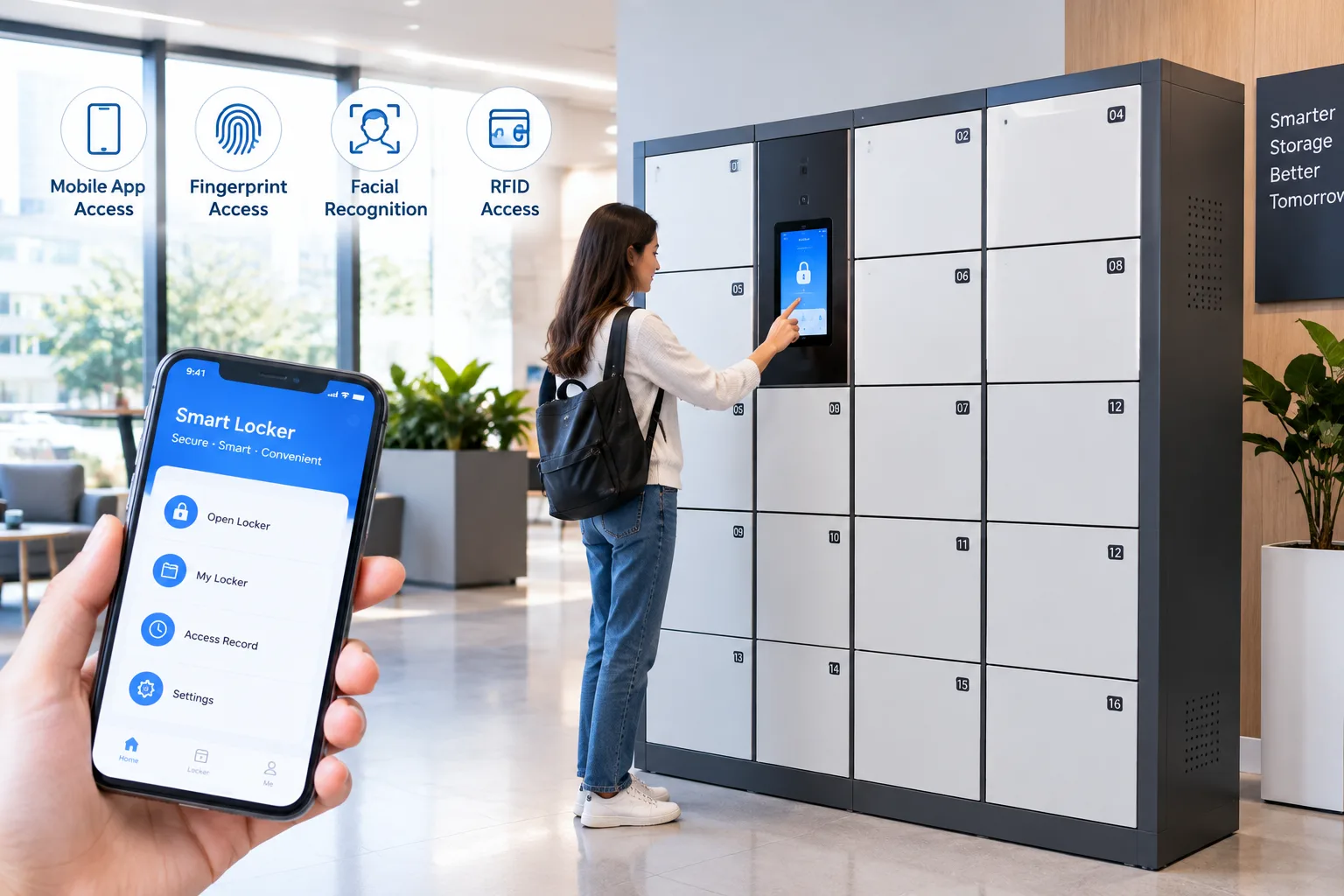
A smart locker is a digitally connected storage system that combines secure physical compartments with electronic locks, embedded sensors, and cloud-based management software. Unlike a traditional locker that relies on a physical key or a fixed combination dial, a smart locker authenticates users through digital credentials — PIN codes, QR codes, RFID cards, biometric scans, or mobile apps — and records every access event in a centralized database.
At its core, a smart locker system consists of three integrated layers:
| Layer | Components | Function |
| Physical Layer | Steel/ABS cabinet, individual compartments, electronic locks, sensors, touchscreen | Secure storage, physical access control, occupancy detection |
| Connectivity Layer | WiFi, LAN, 4G/LTE cellular, IoT gateway, embedded controller | Transmits data between lockers and cloud platform, enables remote commands |
| Software Layer | Cloud management platform, mobile app, user database, analytics engine, API | User management, remote monitoring, audit trails, notifications, reporting, integration |
What makes a locker “smart” is not just the electronic lock — it is the ability to connect, communicate, and be managed remotely. A locker with an electronic lock but no software platform is just an electronic locker; a locker that transmits data, generates reports, sends notifications, and can be controlled from anywhere in the world is a true smart locker.
Smart Locker vs. Traditional Locker: A Comparison
| Feature | Traditional Locker | Smart Locker |
| Access method | Physical key or fixed combination | PIN, QR, RFID, biometric, mobile app |
| Key management | Manual — keys can be lost, copied, or stolen | Digital — no physical keys, credentials issued/revoked instantly |
| Access tracking | None — no record of who used which locker | Complete audit trail — every access logged with user, time, and compartment |
| Remote management | Impossible — requires on-site staff | Cloud-based — monitor and control from anywhere |
| User notifications | None — users must check manually | Automated SMS/app/email alerts for deliveries, reminders, and alerts |
| 24/7 operation | Requires staff presence for key issuance | Fully self-service, no staff needed |
| Usage analytics | None — no data on usage patterns | Comprehensive reports on occupancy, peak times, and trends |
| Tamper detection | None — damage discovered only during inspection | Real-time alerts for forced entry, door ajar, or unusual activity |
| Scalability | Manual — each locker managed individually | Centralized — manage hundreds of lockers across multiple sites from one dashboard |
3. Core Components of a Smart Locker System
3.1 The Cabinet and Compartments
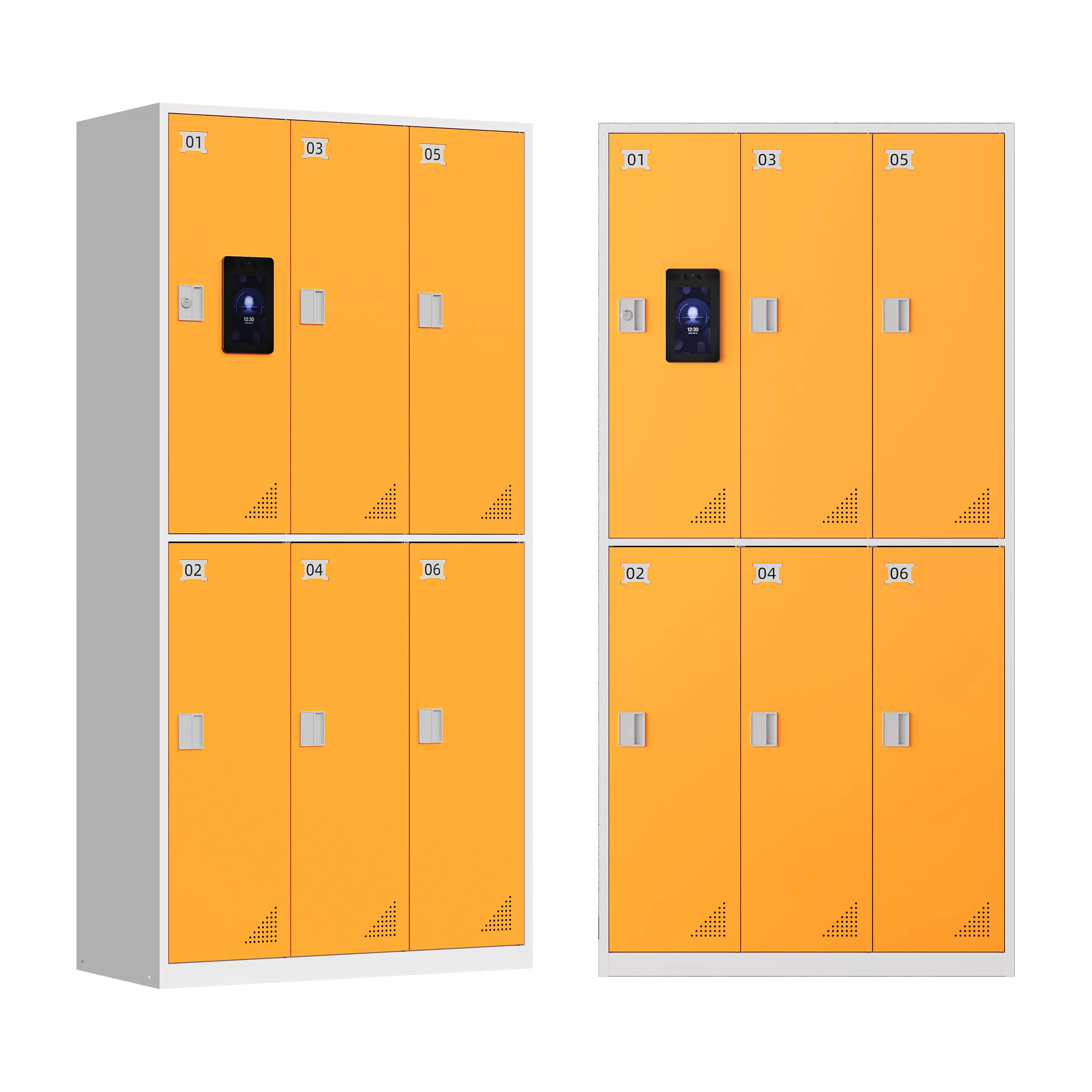
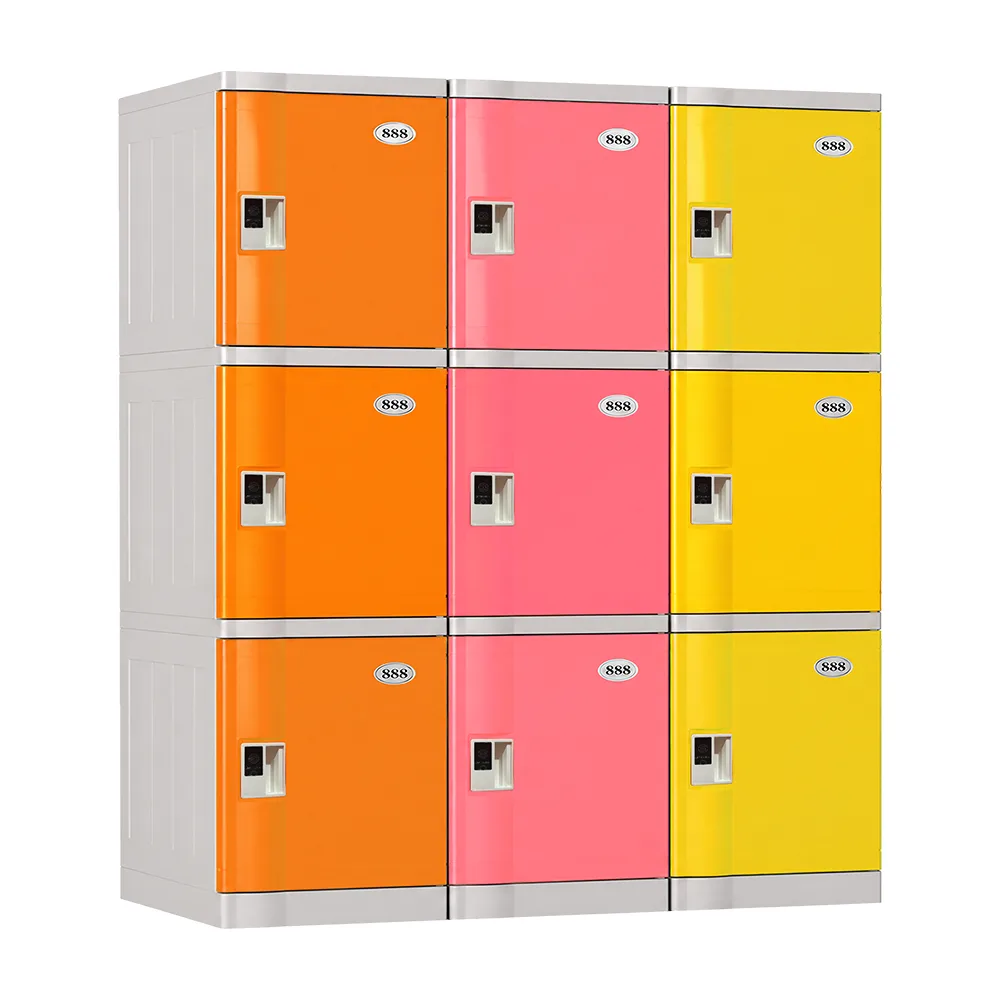
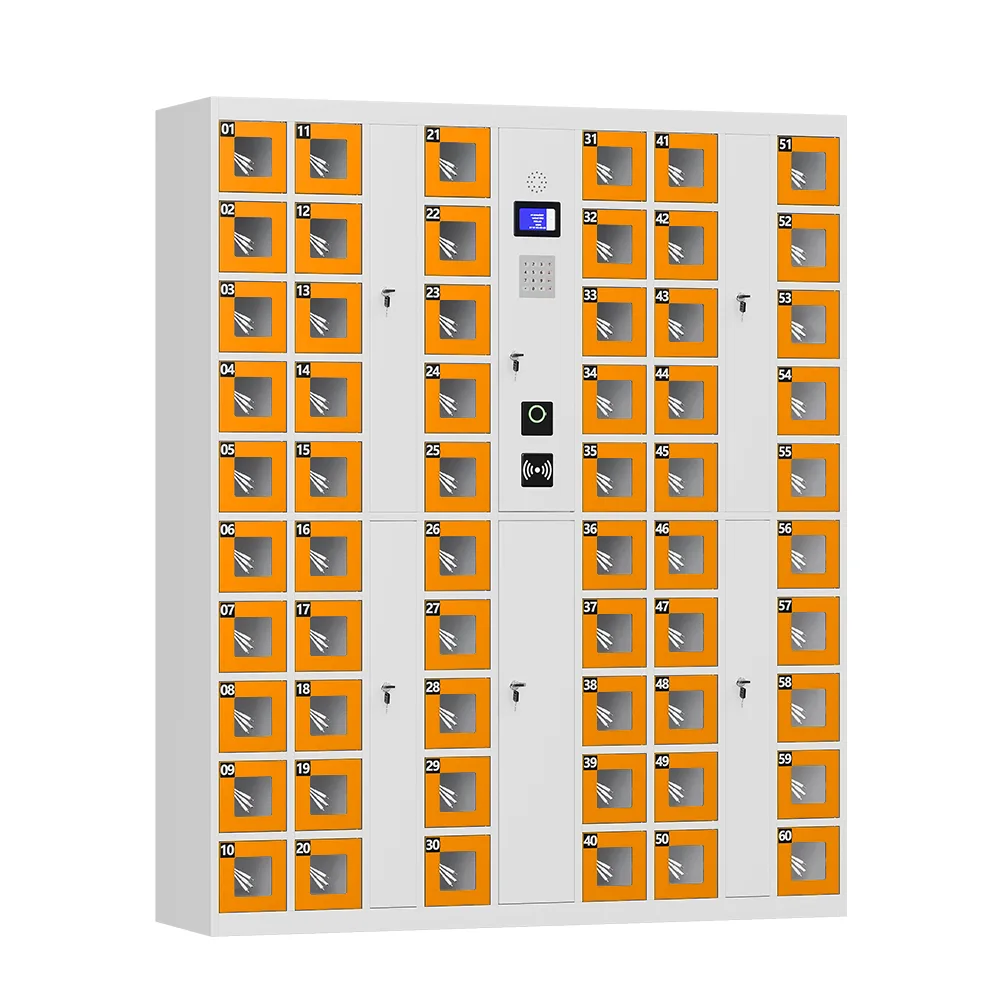
The physical cabinet is constructed from heavy-gauge cold-rolled steel or durable ABS plastic, depending on the application. Each compartment is independently locked and may include sensors that detect whether the door is open or closed and whether an item is present. Compartment sizes can be mixed within a single cabinet — small slots for envelopes or phones, medium slots for standard packages, and large slots for oversized items — to accommodate a wide range of stored items.
3.2 Electronic Locking Mechanism
Each compartment uses an electronic lock — typically a solenoid or motor-driven latch — that receives commands from the central controller. Unlike a mechanical lock, an electronic lock can be triggered remotely, logged automatically, and configured for different access levels. Premium systems include anti-pry protection and tamper sensors that trigger alerts if someone attempts forced entry.
3.3 User Interface Terminal
Most smart locker systems include a touchscreen terminal mounted on the cabinet face, allowing users to authenticate, select compartments, and complete transactions without a separate device. The terminal typically supports multiple languages, displays clear visual instructions, and may include a barcode/QR scanner, RFID reader, or biometric sensor for fast authentication.
3.4 Connectivity and Cloud Platform
The locker connects to the internet via WiFi, wired LAN, or cellular 4G/LTE, transmitting data to a cloud-based management platform. This platform is the operational brain of the system — it stores user credentials, manages access permissions, generates audit reports, sends notifications, and provides real-time dashboards. For organizations with data sovereignty requirements, some systems offer on-premise server deployment as an alternative to cloud hosting.
4. 10 Key Features That Define a Smart Locker
While specific features vary by manufacturer and model, a true smart locker system should include most or all of the following capabilities:
4.1 Multi-Method Digital Access Control
The system supports multiple authentication methods — PIN codes, QR code scanning, RFID/NFC cards, fingerprint or facial biometrics, and mobile app unlocking — so users can choose whichever method is most convenient. This flexibility ensures the locker works for diverse user populations, from tech-savvy employees to occasional visitors who may not want to download an app.
4.2 Remote Management and Control
Administrators can monitor and control every locker from a web-based dashboard or mobile app, regardless of physical location. This includes viewing real-time compartment status (occupied, available, out of service), remotely unlocking doors for troubleshooting, issuing or revoking user credentials, and configuring system settings — all without an on-site visit. For multi-site deployments, this means a single administrator can manage lockers across dozens of locations from one central dashboard.
4.3 Real-Time Tracking and Monitoring
Embedded sensors in each compartment detect occupancy, door status, and potential tampering. The system provides instant updates on which compartments are in use, how long items have been stored, and whether any doors are ajar or have been forced open. This real-time visibility eliminates the need for physical walkthroughs and enables proactive maintenance — for example, alerting staff if a compartment has been occupied beyond a set threshold.
4.4 Complete Audit Trails
Every transaction — every deposit, every pickup, every failed access attempt — is automatically logged with the user identity, timestamp, and compartment number. This creates an immutable audit trail that is invaluable for security investigations, dispute resolution, compliance reporting, and operational analysis. If an item goes missing, the audit trail shows exactly who last accessed that compartment and when.
4.5 Automated Notifications
The system sends automated alerts to users and administrators via SMS, email, or mobile app push notification. Common triggers include: package arrival and ready-for-pickup alerts, rental period reminders, overdue item notifications, security alerts for tampering or forced entry, and system maintenance reminders. These notifications ensure that nothing falls through the cracks — no package sits unclaimed because nobody knew it arrived, and no security issue goes unnoticed.
4.6 Custom User Permissions
Administrators can set granular access permissions for different user groups. For example, employees may have access only to their assigned personal locker, delivery couriers may have access only to deposit compartments, and managers may have access to all compartments plus administrative functions. This role-based access control ensures that users can only access the lockers and functions they are authorized for, reducing security risks and simplifying management at scale.
4.7 Usage Analytics and Reporting
The platform generates detailed reports on usage patterns, including occupancy rates, peak usage times, average dwell time, most-active compartments, and user activity trends. These analytics help organizations optimize their locker deployment — for example, identifying that more large compartments are needed during holiday shipping seasons, or that certain locker banks are underutilized and could be relocated to higher-traffic areas. Data-driven decisions replace guesswork.
4.8 Mobile App Integration
A dedicated mobile app (or mobile-responsive web portal) allows users to reserve lockers in advance, view real-time availability, unlock compartments with their phone, receive notifications, and manage their account — all from their smartphone. For administrators, the mobile app enables on-the-go management, remote door unlocking, and instant alert reception.
4.9 Integrated Charging and Value-Added Features
Many smart locker systems include optional value-added features that extend beyond basic storage: integrated USB or wireless charging ports for laptops, tablets, and phones; temperature-controlled compartments for food, pharmaceuticals, or sensitive equipment; UV disinfection for shared-use lockers; and advertising display screens that generate secondary revenue during idle periods. These features transform the locker from a pure storage unit into a multi-functional service infrastructure.
4.10 API Integration and Open Architecture
For larger organizations, an open API (Application Programming Interface) allows the smart locker system to integrate with existing software infrastructure — property management platforms, access control systems, HR databases, courier management software, or custom internal systems. This integration capability ensures that locker data flows into broader operational dashboards rather than existing as a siloed system, which is essential for enterprise-scale deployments.
5. Why Organizations Are Switching to Smart Lockers
The adoption of smart lockers is accelerating across industries because they deliver measurable benefits that traditional lockers simply cannot. Here are the core reasons driving the transition:
5.1 Eliminate Staffing Requirements for Storage Management
Traditional locker and package management requires staff to issue keys, log deposits, notify recipients, and handle lost-key situations. A smart locker automates all of these functions, operating 24/7 without any staff intervention. For a residential building, this means the front desk no longer spends hours managing package deliveries. For a factory, it means the tool crib no longer needs an attendant on every shift. The labor cost savings alone can justify the investment within months.
5.2 Dramatically Reduce Theft and Loss
With individual electronic locks, complete audit trails, and tamper detection, smart lockers make theft and unauthorized access significantly harder. Every access is logged to a specific user, so if something goes missing, there is a clear record of who last had access. This accountability alone reduces loss rates dramatically — many organizations report 80-90% reductions in missing items after deploying smart lockers.
5.3 Improve User Experience and Satisfaction
Users benefit from 24/7 access, no waiting in line for staff, instant notifications when their items are ready, and the convenience of multiple access methods. For apartment residents, this means picking up a package at 2 AM on a Sunday. For office workers, it means grabbing a delivered meal without interrupting a meeting. For gym members, it means a secure, clean locker available whenever they arrive.
5.4 Gain Operational Visibility and Data
Traditional lockers are black boxes — management has no data on usage, occupancy, or patterns. Smart lockers provide comprehensive analytics that enable data-driven decisions about space allocation, staffing, and future investments. This visibility is particularly valuable for multi-site operators who need to standardize and optimize across locations.
5.5 Scale Efficiently Across Multiple Locations
Adding a new locker bank to a traditional system means training more staff, issuing more keys, and managing more manual processes. With a smart locker system, a new unit connects to the existing cloud platform and is operational within hours — no additional staff, no key management, no new processes. This scalability makes smart lockers ideal for growing organizations, multi-property portfolios, and nationwide deployments.
6. Where Smart Lockers Are Used: 6 Application Scenarios
6.1 Corporate Campuses and Office Buildings
Offices use smart lockers for three primary purposes: automated parcel and mail delivery management (eliminating front-desk package clutter), employee personal storage (secure lockers for bags, laptops, and personal items), and confidential document handling (secure inter-office mail and sensitive file transfer). For large corporate campuses with thousands of employees, smart lockers reduce delivery-related lobby congestion by 70% or more.
6.2 Educational Institutions
Schools and universities deploy smart lockers for student belongings storage in libraries and common areas, temporary book and equipment deposits, laptop and tablet charging and management, and campus parcel delivery. The audit trail feature is particularly valuable in educational settings, where lost or stolen devices are a common and costly problem.
6.3 Industrial and Manufacturing Facilities
Factories and warehouses use smart lockers as tool control systems (tracking which worker has which tool and when), material and PPE distribution points, employee personal storage, and asset tracking solutions. The 24/7 operation is critical for facilities running multiple shifts, and the usage analytics help optimize tool inventory and reduce loss.
6.4 Commercial and Public Spaces
Shopping malls, transportation hubs (airports, train stations, bus terminals), tourist attractions, and leisure centers use smart lockers for public luggage and personal item storage. The self-service model eliminates staffing costs, the multi-language interface serves international visitors, and the optional payment integration allows operators to charge for storage — turning the locker into a revenue-generating amenity rather than a cost center.
6.5 Residential Communities and Apartments
Apartment buildings and gated communities install smart lockers as automated parcel collection stations, solving the growing problem of e-commerce delivery management. Residents receive an SMS when their package arrives and pick it up at their convenience using a unique code. This eliminates package theft, reduces front-desk workload, and has become a standard expected amenity in new residential developments.
6.6 Healthcare and Specialized Environments
Hospitals and clinics use smart lockers for secure medication and supply storage, staff personal belongings, and controlled-access equipment management. Other specialized applications include evidence storage in law enforcement, temperature-controlled pharmaceutical storage, and high-value asset management in financial institutions. In these environments, the audit trail and access control features are not just conveniences — they are compliance requirements.
7. Types of Smart Lockers: Matching the System to the Use Case
Smart lockers are not one-size-fits-all. Different applications require different configurations, features, and construction. Here are the primary types:
| Type | Am besten geeignet für | Key Features |
| Intelligente Paketschließfächer | Apartments, offices, retail pickup | Large compartments, barcode/QR scanning, SMS notification, outdoor weatherproof options |
| Smart Storage Lockers | Gyms, schools, offices, factories | Personal storage, RFID/PIN access, ABS or steel construction, charging ports optional |
| Smart Phone Charging Lockers | Malls, restaurants, bars, campuses | Integrated charging cables, secure individual compartments, fast charging support |
| Smart Key Cabinets | Hotels, property management, car rentals, factories | Key tracking, individual key slots, access logs, automated key return reminders |
| Smart Food Pickup Lockers | Restaurants, office cafeterias, delivery hubs | Heated/cooled compartments, food-grade interiors, order code pickup, UV disinfection optional |
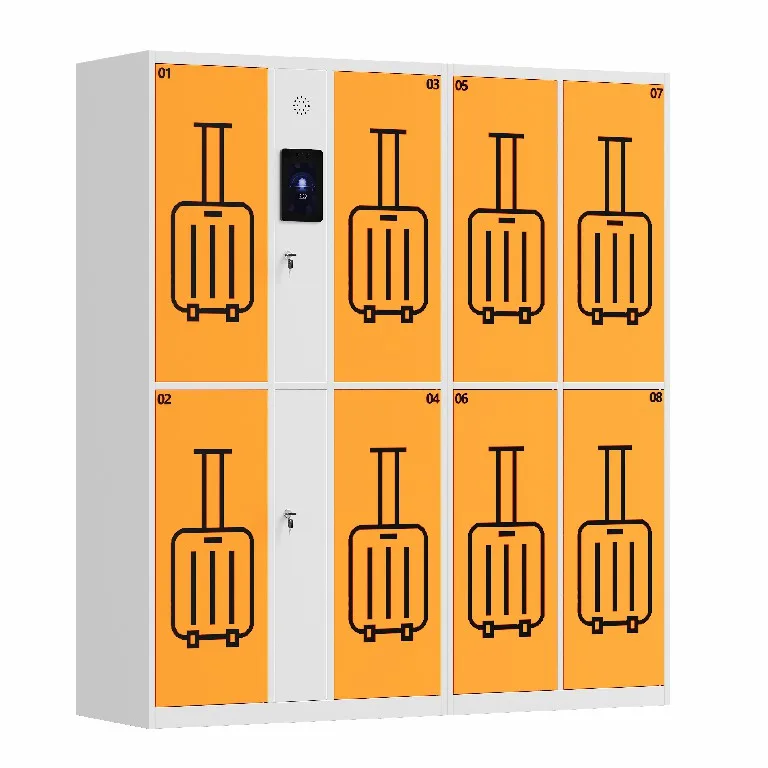
| Smart Luggage Lockers | Airports, stations, tourist attractions, hotels | Multiple compartment sizes, payment integration, multi-language interface, 24/7 operation |
| Smart Tool/Asset Lockers | Factories, warehouses, maintenance teams | Tool tracking, weight sensors, asset management integration, shift-based access control |
8. Customization Options: Tailoring the System to Your Needs
Every organization has unique requirements, and a quality smart locker manufacturer offers flexible configuration across multiple dimensions:
- Size and Configuration — Compartment sizes and layouts can be mixed within a single cabinet — small, medium, and large compartments in whatever ratio matches your actual usage.
- Access Methods — Choose from PIN codes, QR scanning, RFID cards, biometrics, mobile app, or any combination based on your user population and security requirements.
- Materials and Finishes — Cold-rolled steel for durability and security, ABS plastic for moisture-prone environments (pools, gyms, wet areas), with various powder-coat colors and finishes.
- Branding — Logo printing, custom RAL color matching, branded touchscreen interfaces, and custom door art to match your facility identity.
- Software Integration — Open API for integration with your existing access control, property management, HR, or courier systems; custom software features can be developed for specific workflows.
- Value-Added Features — Integrated charging, temperature control (heating/cooling), UV disinfection, advertising screens, payment terminals, and surveillance cameras.
Pricing is determined by configuration, quantity, and functional specifications. A reputable manufacturer will provide a detailed quotation after understanding your project scope, site conditions, and operational objectives — rather than offering a one-size-fits-all price list.
9. How to Choose the Right Smart Locker for Your Organization
With many options on the market, selecting the right smart locker system requires evaluating several factors beyond the initial price tag:
9.1 Define Your Primary Use Case First
Start by identifying your primary application — package delivery, employee storage, public luggage, tool management, or food pickup. Each use case has different requirements for compartment sizes, access methods, environmental protection, and software features. A system optimized for apartment parcel delivery will be very different from one designed for factory tool control.
9.2 Evaluate the Software Platform, Not Just the Hardware
The cabinet is the visible part, but the software platform is what determines long-term usability. Evaluate the management dashboard for clarity and completeness, check whether it supports multi-site management, verify that it provides the reports and analytics you need, and confirm that it offers an open API if integration is important. A great cabinet with poor software will become a frustration; a good cabinet with excellent software will deliver ongoing value.
9.3 Check Connectivity and Reliability
A smart locker that loses its internet connection becomes a dumb locker. Ensure the system supports multiple connectivity options (WiFi + LAN + cellular backup) and includes offline operation capability — the locker should continue to function with cached credentials even if the network goes down, and sync data automatically when connectivity is restored.
9.4 Assess Build Quality and Warranty
Smart lockers are expected to operate for 7-10 years or more in demanding environments. Look for heavy-gauge steel construction, quality electronic locks from reputable suppliers, and a comprehensive warranty (5+ years on the cabinet, 2+ years on electronics). Also verify that replacement parts are readily available — a locker that cannot be repaired because parts are discontinued becomes an expensive paperweight.
9.5 Verify Manufacturer Experience and Support
Choose a manufacturer with a proven track record in smart locker deployments, not a general metal fabricator who has added electronics as an afterthought. Look for case studies, reference customers, and responsive technical support. For international deployments, verify that the manufacturer has experience with your target markets, including certification requirements, shipping logistics, and local language support.
10. Frequently Asked Questions
Q: What makes a locker “smart” versus just electronic?
A: An electronic locker uses an electronic lock instead of a mechanical one, but it operates as a standalone unit with no connectivity or software. A smart locker connects to a cloud-based management platform, transmits data, supports remote monitoring and control, generates audit trails, sends automated notifications, and can be integrated with other systems. The connectivity and software intelligence are what make it “smart.”
Q: Do users need a smartphone or app to use a smart locker?
A: No. While many smart lockers offer a mobile app for convenience, they also support PIN codes, QR codes, and RFID cards that require no smartphone or app download. This ensures that the locker is accessible to all users — including those without smartphones or who prefer not to install additional apps. The best systems offer multiple access methods so each user can choose what works for them.
Q: How secure are smart lockers against hacking?
A: Quality smart locker systems use encrypted communication between the locker and cloud platform, secure user authentication, and role-based access controls to prevent unauthorized access. The physical cabinet includes anti-pry construction and tamper sensors. Like any connected device, security depends on the manufacturers implementation — choose a system with documented security protocols, regular software updates, and a track record of secure deployments.
Q: Can smart lockers work outdoors?
A: Yes, if they are specifically designed for outdoor use. Outdoor smart lockers feature weather-sealed construction, corrosion-resistant powder coating, elevated bases, IP-rated touchscreens, and climate-controlled electronics compartments to handle rain, snow, extreme temperatures, and dust. Standard indoor lockers should not be deployed outdoors, as they will fail quickly when exposed to the elements.
Q: What happens if the power or internet goes out?
A: Quality systems include offline operation capability — the locker stores user credentials locally and continues to function with PIN codes or RFID cards even without internet connectivity. When power is lost, a backup battery (optional on some models) can maintain basic function for a limited period, and a mechanical override key provides emergency access. Data is synced automatically when power and connectivity are restored.
Q: How much does a smart locker system cost?
A: Pricing varies widely based on cabinet size, number of compartments, access methods, software features, customization, and quantity. A basic 12-compartment indoor unit may start around $1,500-$3,000, while a large 60+ compartment outdoor system with advanced features can cost $10,000-$25,000 or more. Most manufacturers provide custom quotations based on your specific configuration and volume requirements.
Q: Can smart lockers integrate with our existing systems?
A: Yes, if the system offers an open API. This allows integration with property management platforms, access control systems, HR databases, courier management software, building automation systems, and custom internal applications. API integration is particularly important for enterprise and multi-site deployments where locker data needs to flow into broader operational dashboards.
11. Conclusion: Smart Lockers Are Infrastructure, Not Just Furniture
A smart locker is often categorized as furniture or equipment, but it is more accurately understood as connected infrastructure — a physical endpoint in a digital ecosystem that manages access, tracks assets, automates notifications, and generates operational data. What began as a replacement for mechanical key lockers has evolved into a versatile platform that solves real problems across virtually every industry: package theft in residential buildings, tool loss in factories, delivery chaos in offices, luggage storage in public spaces, and compliance requirements in healthcare and law enforcement.
The organizations that benefit most from smart lockers are those that recognize this shift — that see the locker not as a place to put things, but as a system that streamlines operations, reduces costs, improves security, and enhances the experience of everyone who uses it. As IoT technology continues to advance and connectivity becomes ubiquitous, smart lockers will become as standard in buildings as Wi-Fi and security cameras — not because they are trendy, but because they deliver measurable, ongoing value that traditional lockers simply cannot match.
If your organization is still managing storage with mechanical keys, manual logs, and overworked staff, it may be time to evaluate what a smart locker system could do for you. The right system will pay for itself in labor savings, loss reduction, and improved satisfaction — and it will scale with your organization as your needs grow.