
1. Introduction: Why Device Management Is the Hidden Challenge in 1:1 Classrooms
As a K-12 school administrator, technology director, or facilities decision-maker, you already know that laptops and Chromebooks are powerful tools for creating immersive, personalized learning experiences. When every student has a device at their fingertips, lessons become more interactive, research becomes instant, and collaboration extends beyond the physical classroom. But deploying a 1:1 device program — or even a shared cart model — introduces a set of logistical challenges that rarely appear in the technology budget proposal.
The truth is that laptops are only as useful as the infrastructure supporting them. A fully charged, securely stored, easily accessible device transforms a lesson. A dead battery, a missing charger, or a laptop that cannot be found when the bell rings transforms that same lesson into ten minutes of frustrated scrambling — ten minutes that never come back. Over the course of a school year, those lost minutes accumulate into hours of wasted instructional time across every classroom in your building.
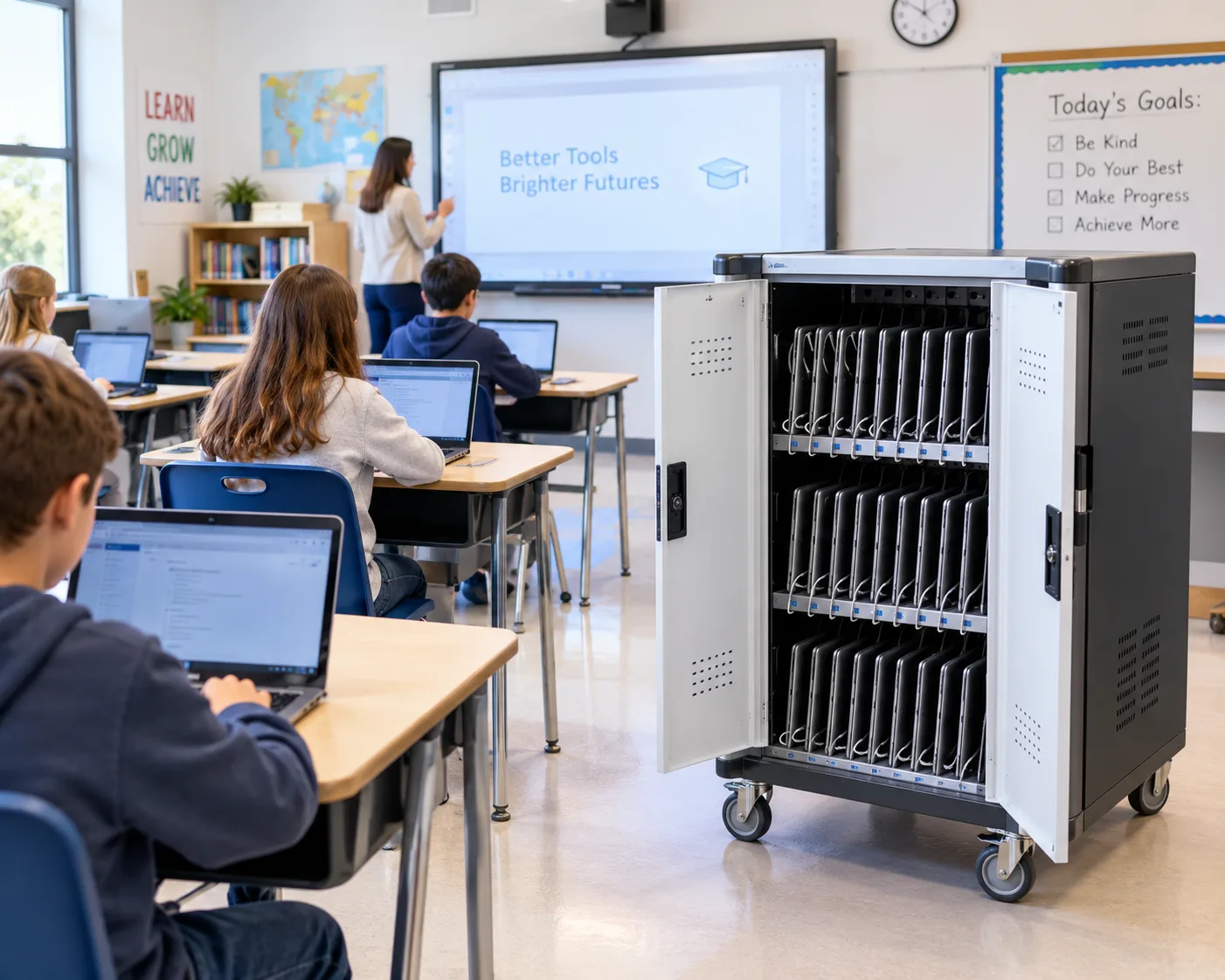
This is where multi-laptop charging stations come in. Far more than a row of power outlets, a purpose-built charging station is a device management system that handles storage, charging, security, cable organization, and inventory visibility in a single piece of furniture. This guide walks through the common problems schools face with improvised charging setups, how dedicated charging stations solve them, what features to evaluate when purchasing, and how to match the right solution to your classroom space and device fleet.
2. The Seven Hidden Costs of Improvised Laptop Charging in Schools
Most schools begin their device journey with the best of intentions — a few power strips, some wall outlets, and a storage cart repurposed from another use. Over time, however, this improvised approach creates predictable problems that drain time, budget, and patience. Here are the seven most common:
2.1 Scattered Devices and Wasted Class Time
When laptops are stored on desks, in backpacks, or across multiple rooms, the first five minutes of every class become a scavenger hunt. Teachers spend instructional time tracking down devices, students arrive without their assigned laptop, and the rhythm of the lesson is broken before it begins. In a school with 30 classrooms, five minutes of daily device-hunting adds up to roughly 30 hours of lost instructional time per month.
2.2 Dead Batteries and Delayed Lessons
There is always at least one laptop — and usually several — that did not get plugged in overnight or between classes. When a student opens a device to find a black screen, the teacher must either pause the lesson to find a charger or reassign the student to share with a classmate. Both options disrupt the learning plan and create inequity in access to technology.
2.3 Cable Chaos and Safety Hazards
Loose charging cables strung across floors, draped over desks, or tangled in storage bins are more than an eyesore. They are tripping hazards in a room full of moving students, they create fire risks when extension cords are daisy-chained, and they consume valuable setup time as teachers untangle cords before every class. A single exposed cable in a high-traffic classroom is a liability waiting to happen.
2.4 Missing, Damaged, or Stolen Devices
Without secure, designated storage, laptops are vulnerable to being knocked off desks, spilled on, borrowed without permission, or stolen entirely. School device fleets represent a significant capital investment — a single classroom set of 30 Chromebooks can cost $9,000 to $15,000 — and losing even a few devices to damage or theft creates budget pressure that could have been prevented with proper storage.
2.5 Overloaded Circuits and Electrical Risks
Classrooms were not designed to accommodate 20-30 simultaneous laptop chargers. When teachers use power strips and extension cords to compensate for insufficient wall outlets, they risk overloading circuits, tripping breakers, and creating fire hazards. School facilities departments increasingly flag improvised charging setups as code violations that must be addressed.
2.6 Limited IT Visibility and Accountability
When devices charge in random locations — a teacher desk here, a media center shelf there — IT staff have no centralized view of which devices are charged, which are missing, or which need maintenance. This lack of visibility makes inventory audits time-consuming and prevents proactive device management.
2.7 Inconsistent Device Readiness Across Classrooms
Without a standardized charging system, device readiness becomes inconsistent. One teacher diligently plugs in every laptop after class; another forgets half the time. Students in the first classroom always have working devices; students in the second classroom regularly do not. This inconsistency creates an equity gap that undermines the entire purpose of a 1:1 device program.
If any of these problems sound familiar, you are not alone — and the solution is not more power strips. It is a purpose-built multi-laptop charging station designed specifically for the demands of K-12 environments.
3. What Is a Multi-Laptop Charging Station?
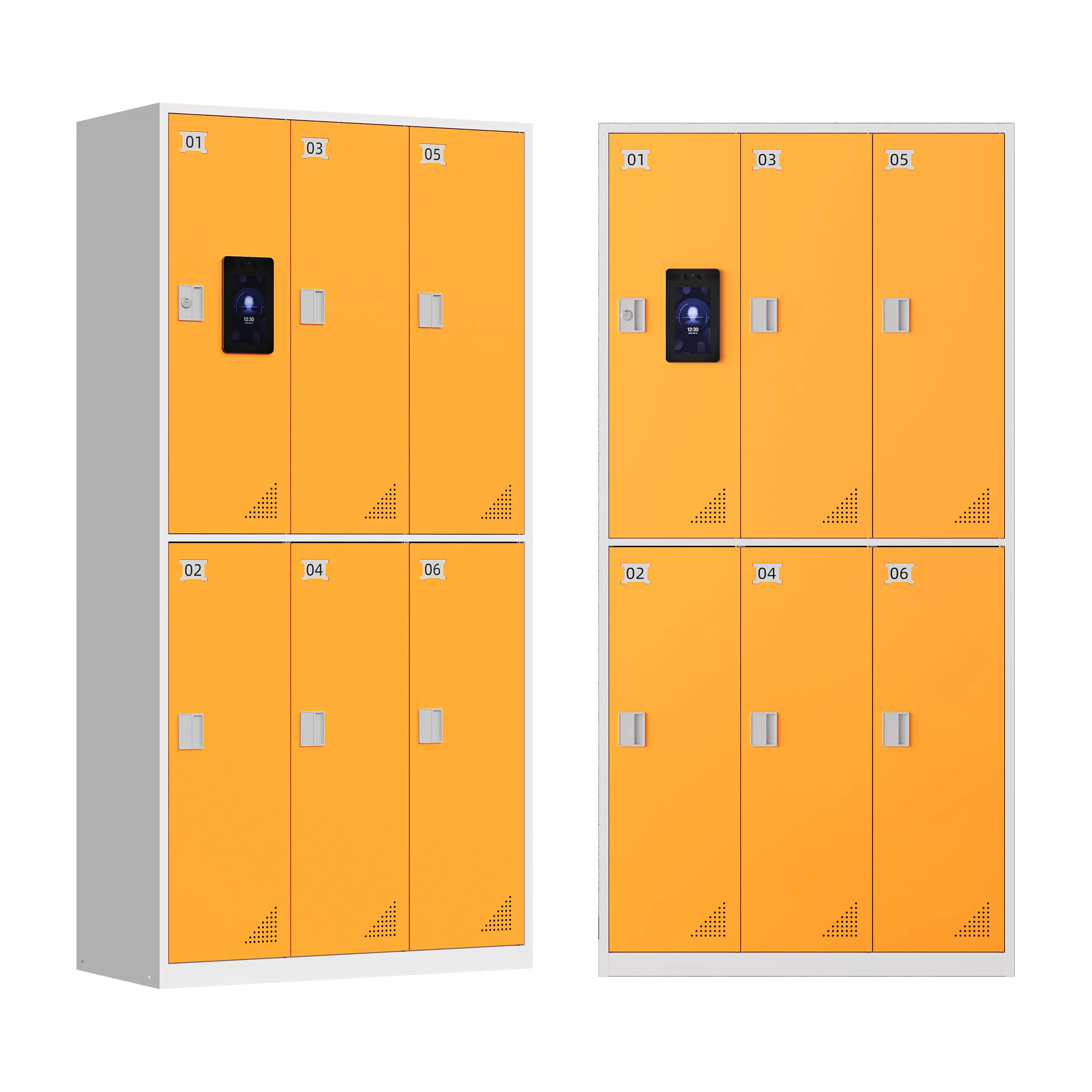
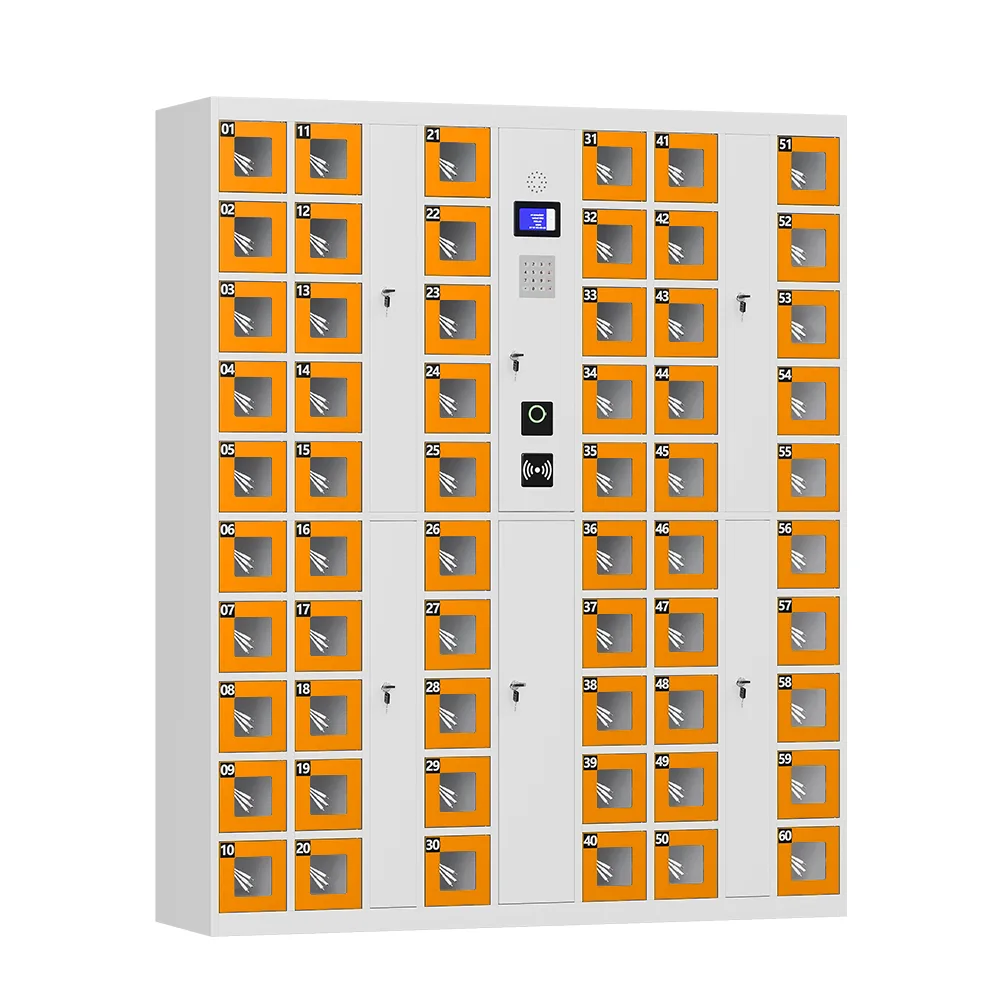
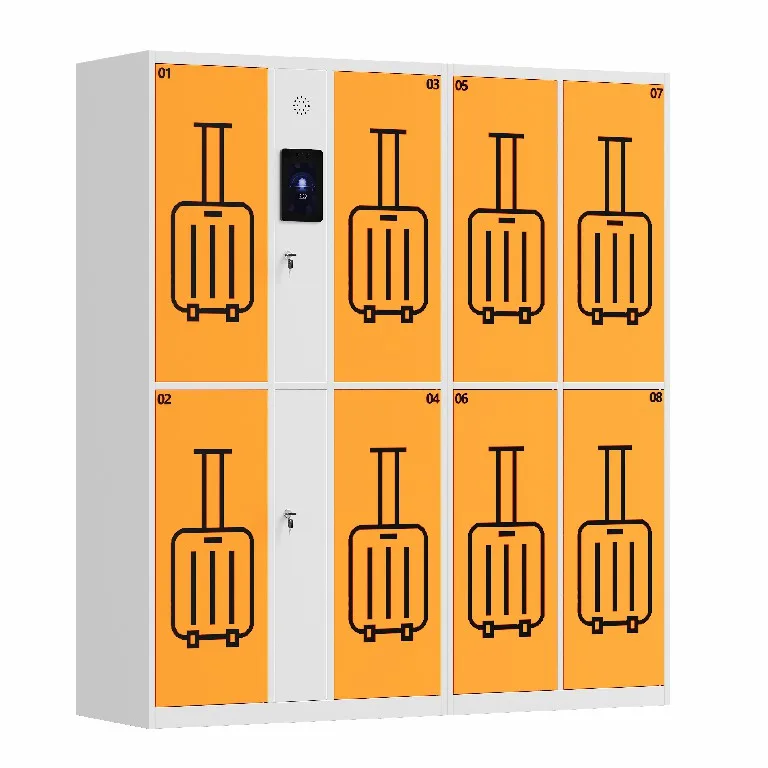
A multi-laptop charging station — sometimes called a charging cart, charging cabinet, or device management hub — is a purpose-built furniture unit designed to store, charge, secure, and organize multiple laptops, Chromebooks, or tablets simultaneously. Unlike a generic power strip or a repurposed storage shelf, a school-grade charging station is engineered with the specific needs of educational environments in mind: high device density, frequent student handling, limited classroom space, and strict safety requirements.
At its core, a charging station provides:
- Individual numbered slots or bays for each device, ensuring every laptop has a designated home.
- Integrated power distribution that delivers consistent, safe charging to every connected device without overloading circuits.
- Cable management systems that keep charging cords organized, hidden, and out of walkways.
- Secure locking mechanisms — from simple key locks to programmable electronic locks — to protect the device fleet when not in use.
- Durable construction that withstands the daily wear and tear of a busy school environment.
Charging stations come in several form factors, each suited to different space and usage patterns. Understanding these options is the first step in selecting the right solution for your school.
4. Types of Charging Solutions: Which One Fits Your Space?
| Type | Capacity | Nejvhodnější pro | Key Features |
| Desktop Charging Station | 8-16 devices | Small classrooms, computer labs, library desks | Compact footprint, sits on counter or table, ideal for limited floor space |
| Charging Cart (Mobile) | 20-40 devices | Shared device fleets, multi-classroom rotation | Wheeled for mobility, moves between rooms, stores and charges on the go |
| Charging Cabinet (Stationary) | 20-40 devices | Dedicated classrooms, device storage rooms | Wall-mounted or freestanding, secure locking, permanent installation |
| Charging Tower (Vertical) | 30-60 devices | Large device fleets, IT storage rooms | Vertical design saves floor space, high capacity, heavy-duty security |
| Wall-Mounted Charging Station | 10-24 devices | Hallways, common areas, tight spaces | Zero floor footprint, easy access, space-efficient |
The right choice depends on three factors: how many devices you need to charge, whether the fleet is shared across classrooms or dedicated to one room, and how much floor or counter space is available. Many schools use a combination — mobile carts for shared fleets that rotate between classrooms, and stationary cabinets for 1:1 programs where each device has a permanent home.
5. How Charging Stations Transform Classroom Device Management
5.1 One Designated Home for Every Device
The most immediate benefit of a charging station is that every laptop has a numbered, designated slot. When class ends, students return their device to the same slot every time. When class begins, the teacher knows exactly where every laptop is — no scavenger hunts, no missing devices, no wasted instructional minutes. This simple organizational structure alone can recover 3-5 minutes of class time per day, which adds up to hours of recovered instruction over a school year.
5.2 Every Device Gets a Full, Consistent Charge
Quality charging stations use intelligent power distribution that delivers consistent current to every connected device simultaneously. This means you no longer need to rotate which laptops get charged overnight or worry that the devices at the end of the power strip receive less power. Whether you are charging 10 or 30 laptops, each one receives the same reliable charging current, ensuring that every student opens a fully powered device at the start of class.
For schools with mixed device fleets — Chromebooks, MacBooks, Windows laptops — look for stations with universal charging compatibility or configurable port options. Some stations include USB-C, USB-A, and AC outlets in the same unit, accommodating whatever device mix your school uses today and whatever you adopt in the future.
5.3 Cable Chaos Eliminated at the Source
A well-designed charging station includes integrated cable management that routes every charging cord neatly within the unit, keeping wires hidden, organized, and away from student walkways. Each device slot has its own cable channel or clip, so chargers stay in place and do not get tangled, pulled loose, or become tripping hazards. This is not just an aesthetic improvement — it is a safety feature that reduces liability and eliminates the daily ritual of untangling cords before class.
5.4 Devices Locked In, Not Lost
School device fleets represent a significant capital investment, and protecting that investment requires more than a shelf. Quality charging stations are constructed from durable steel with secure locking mechanisms — ranging from simple key locks to programmable electronic locks with audit trails. When the last bell rings and the classroom is empty, the teacher locks the cabinet and knows that every laptop will be there the next morning. This level of security dramatically reduces device loss, theft, and unauthorized use — protecting both your budget and your students access to technology.
5.5 Fits Any Classroom Without Adding Clutter
Not every classroom has space for a full-size charging cart, and not every school needs a 40-device tower. Modern charging solutions are available in a range of form factors — from compact desktop units that sit on a counter or small table, to slim wall-mounted stations that use zero floor space, to full-size mobile carts that roll between classrooms. This means you can match the solution to your available space rather than rearranging your classroom to accommodate the charger.
5.6 Centralized IT Visibility and Accountability
Advanced charging stations include features that support IT management: device inventory tracking, usage logs, maintenance alerts, and in some cases network connectivity that lets IT staff monitor charging status remotely. This centralized visibility turns device management from a reactive, complaint-driven process into a proactive, data-driven operation — IT knows which devices are charged, which are missing, and which need servicing before they become a classroom problem.
6. Key Features to Look for in a School-Grade Charging Station
Not all charging stations are built to the same standard. When evaluating options for your school, prioritize these critical features:
| Feature | Why It Matters for Schools | What to Look For |
| Intelligent Power Distribution | Prevents circuit overload and ensures every device charges fully | UL-listed power supply, surge protection, even current distribution across all slots |
| Cable Management System | Eliminates tripping hazards and setup time | Integrated cable channels, cord clips, hidden wire routing within each slot |
| Secure Locking | Protects device investment when classroom is unattended | Steel construction, key lock or programmable electronic lock, anti-pry design |
| Ventilation and Cooling | Prevents overheating when many devices charge simultaneously | Vented panels, internal airflow design, temperature monitoring |
| Device Compatibility | Accommodates current and future device fleets | Adjustable slot widths, mixed port options (USB-C, USB-A, AC), Chromebook/MacBook support |
| Durability and Warranty | Withstands daily K-12 wear and tear | Steel or heavy-duty ABS construction, 5+ year warranty, replacement parts availability |
| Mobility (if cart) | Allows shared fleet rotation between classrooms | Locking casters, ergonomic handles, stable wheelbase, lightweight but sturdy frame |
| Safety Certifications | Meets electrical and fire safety codes | UL, ETL, or CE certification, compliance with local electrical codes |
| Assembly and Installation | Minimizes facilities department workload | Pre-assembled or simple tool-free setup, wall-mount hardware included if applicable |
| Customization Options | Matches school branding and specific needs | Custom colors, school logo printing, configurable slot count, specialized lock options |
7. Security and Device Protection: Beyond the Lock
While a locking door is the most visible security feature, a truly secure charging station incorporates multiple layers of protection:
- Solid steel construction resists forced entry attempts and protects devices from impact damage.
- Anti-pry door frames and reinforced locking mechanisms prevent tampering.
- Programmable electronic locks (on premium models) provide access logs showing who opened the cabinet and when — invaluable for resolving device disputes.
- Individual device slots prevent laptops from being jostled or scratched during storage and transport.
- For mobile carts, locking casters ensure the unit stays in place when parked and cannot be rolled away by unauthorized users.
- Some stations include optional integrated cameras or alarm systems for high-theft-risk environments.
For schools with limited IT staff, the security features of a charging station deliver peace of mind that goes far beyond the hardware itself. Knowing that the device fleet is secured overnight and during breaks reduces administrative burden and allows staff to focus on education rather than inventory management.
8. ROI and Benefits: Quantifying the Value for School Administrators
While the primary goal of a charging station is improving the learning experience, the financial case for investment is compelling. Consider a typical middle school with 30 classrooms and a shared fleet of 600 Chromebooks:
| Metric | Without Charging Station | With Charging Station | Annual Impact |
| Daily class time lost to device issues | 5-10 minutes per classroom | 0-1 minute per classroom | ~75-150 hours recovered instruction |
| Devices lost or stolen per year | 8-15 devices | 0-2 devices | $2,000-$6,000 saved |
| Devices damaged due to poor storage | 10-20 devices | 2-4 devices | $2,400-$4,800 saved |
| IT staff time on device issues | 10-15 hours/week | 3-5 hours/week | ~300-500 hours reallocated |
| Electrical safety incidents | Occasional overloads | None (certified system) | Reduced liability and code compliance |
| Teacher satisfaction with device program | Moderate (frequent frustrations) | High (reliable, ready devices) | Higher program adoption and retention |
When you combine recovered instructional time, reduced device loss and damage, reallocated IT staff hours, and improved teacher satisfaction, the return on investment for a quality charging station is typically realized within 12-18 months. For schools that have already invested significant capital in a device fleet, a charging station is the missing infrastructure that protects and maximizes that investment.
9. Frequently Asked Questions
Q: How many laptops can a typical charging station accommodate?
A: Charging stations are available in a wide range of capacities, from compact desktop units that charge 8-12 devices to full-size carts and towers that handle 30-60 laptops simultaneously. The right capacity depends on your device fleet size and whether the station serves a single classroom or a shared, multi-room program. Most K-12 classrooms use 20-30 device units, while media centers and IT departments often opt for 40+ device towers.
Q: Will a charging station work with both Chromebooks and MacBooks?
A: Yes, if the station offers universal or configurable charging ports. Quality units support USB-C, USB-A, and AC outlets within the same cabinet, accommodating Chromebooks, MacBooks, Windows laptops, and tablets simultaneously. Adjustable slot widths also ensure that devices of different sizes — from 11-inch Chromebooks to 16-inch MacBook Pros — fit securely. When evaluating, confirm that the station supports the specific charging connectors your device fleet uses.
Q: Do charging stations require special electrical installation?
A: Most standard charging stations simply plug into a standard wall outlet — no special wiring or dedicated circuit required, as long as the unit is UL-listed and the circuit is not already heavily loaded. However, high-capacity towers (40+ devices) may require a dedicated 20-amp circuit, and wall-mounted units need proper anchoring to wall studs. Always consult your facilities department before installation, and choose units with surge protection and certified power supplies to ensure code compliance.
Q: How long does it take to charge a full set of laptops?
A: With intelligent power distribution, most laptops charge from empty to full in 2-4 hours, regardless of how many devices are connected simultaneously. This means an overnight charge (8+ hours) is more than sufficient, and even a between-class quick charge (30-60 minutes) can add significant battery life. Quality stations deliver consistent current to every device, so you do not need to rotate charging or worry that some devices receive less power than others.
Q: Can a mobile charging cart be safely moved between classrooms?
A: Yes, if the cart is designed for mobility. Look for features like locking swivel casters (two locking, two swiveling for maneuverability), an ergonomic push handle, a stable wide wheelbase that resists tipping, and cable management that keeps cords secured during transport. Always unplug the cart before moving it, and ensure all devices are securely in their slots before rolling. Quality carts are tested for stability and maneuverability in standard school hallway environments.
Q: What is the typical lifespan of a school charging station?
A: A well-built, school-grade charging station typically lasts 7-10 years — often outlasting multiple device generations. The key factors affecting lifespan are construction quality (steel vs. plastic), warranty coverage (look for 5+ years), and availability of replacement parts (power supplies, locks, casters). Investing in a durable unit from the start is far more cost-effective than replacing a cheap unit every 2-3 years.
Q: Can charging stations be customized for our school colors or logo?
A: Many manufacturers offer customization options including custom RAL color matching to match school branding, logo printing on the cabinet exterior, and configurable slot layouts. Customization is especially popular for schools that want the charging station to blend with classroom decor or serve as a visible representation of the schools technology investment. Lead times for custom units are typically 2-4 weeks longer than standard stock units.
10. Conclusion: Ready Devices, Ready Learning
A laptop charging station is often treated as an afterthought — a piece of furniture purchased after the device fleet has already been deployed. But the reality is that the charging station is the infrastructure that makes a 1:1 device program actually work. Without it, even the best-funded technology initiative struggles with dead batteries, missing devices, cable hazards, and wasted instructional time. With it, every student starts class with a fully charged, securely stored, easily accessible device — and teachers can focus on teaching rather than troubleshooting.
The right charging station for your school depends on your device count, your classroom space, your mobility needs, and your budget. But regardless of which form factor you choose, the core benefits are the same: organized storage, consistent charging, cable-free safety, device security, and centralized management. These are not luxuries — they are the foundational infrastructure that protects your technology investment and ensures that every student has equal access to working devices every single day.
If your school is still relying on power strips, extension cords, and improvised storage, it is time to upgrade to a purpose-built charging solution. The devices your students use deserve better than a tangled pile of cords on a shelf — and so do the teachers and IT staff who manage them.